EasyManua.ls Logo

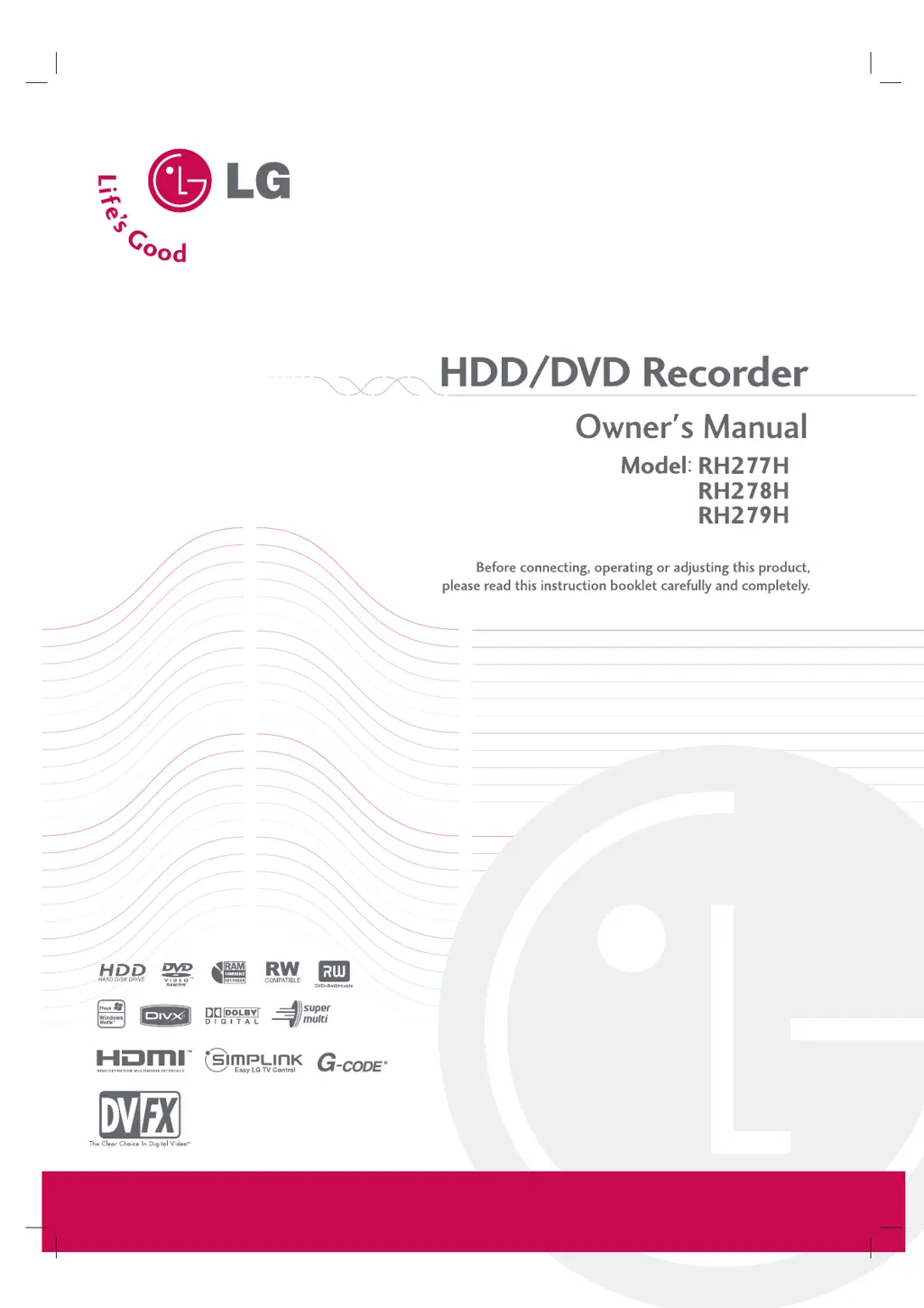
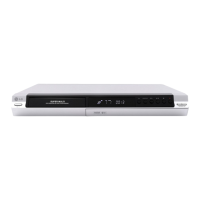
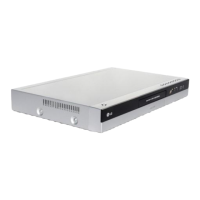
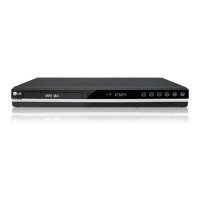
LG RH277 - User Manual

LG RH277
59 pages
Print Icon
To Next Page IconTo Next Page
Loading...
RH277.279H-WL-NA4HLLK-ENG

Table of Contents

Questions and Answers

  • S
    Shirley WhiteSep 3, 2025
    Why LG RH277 skips channels when using PR/CH (+/-)?
    • R
      robertrussellSep 3, 2025
      If some channels are skipped over when using the PR/CH (+/-) buttons on your LG DVD Recorder, those channels are likely not stored in the recorder's memory. You may need to restore the channels.
  • W
    washingtonleahSep 1, 2025
    Why is the camcorder image not showing on my LG RH277 DVD Recorder?
    • E
      edavisSep 2, 2025
      If your LG DVD Recorder is not showing the camcorder image, ensure the camcorder is turned on and operating correctly. Also, make sure you've selected the correct input channel (AV1, AV2, DV, etc.) using the AV/INPUT button on the recorder.
  • W
    Willie JonesAug 31, 2025
    Why LG RH277 cannot record or did not record successfully?
    • L
      Leah HernandezAug 31, 2025
      If you cannot record with your LG DVD Recorder, it might be due to insufficient blank space on the disc, in which case you should use another disc. Also, the source you're trying to record might be copy-protected, meaning you cannot record it. If you are setting the recording channel, ensure the channel is tuned on the recorder's built-in TV tuner. If recording to a Video mode disc, copy-once protected programs cannot be recorded; use a VR mode formatted disc instead.
  • M
    Michael AndrewsAug 29, 2025
    What to do if my LG DVD Recorder does not start playback?
    • S
      Savannah RichardsonAug 29, 2025
      If your LG DVD Recorder isn't playing a disc, first ensure that a disc is inserted and the disc indicator light is on. Check that the disc is playable by the recorder, placed correctly with the playback side down, and properly aligned within the disc tray guide. Also, verify that the disc is clean and that the Rating level is not set.
  • L
    Lisa RobertsAug 28, 2025
    What to do if LG RH277 DVD Recorder remote control does not work?
    • D
      David McdonaldAug 28, 2025
      If you're experiencing issues with the remote control for your LG DVD Recorder, ensure that you are pointing the remote directly at the remote sensor on the recorder and that you are within 7 meters of the unit. Remove any obstacles that might be blocking the signal. If the problem persists, try replacing the batteries in the remote with new ones.
  • K
    Karen CookAug 26, 2025
    Why is there no picture on my TV from my LG RH277 DVD Recorder?
    • A
      Aaron BonillaAug 27, 2025
      If you're not getting a picture on your TV from the LG DVD Recorder, ensure that the TV is set to the correct video input mode to receive the signal from the recorder. Also, check that the video cable is securely connected and that the TV is turned on.
  • R
    Ricky HarrisAug 25, 2025
    What to do if the remote control for my LG RH277 doesn't work?
    • D
      Devon MartinezAug 25, 2025
      If the remote control is not functioning correctly: * Ensure that the remote control is pointed at the remote sensor on the recorder. * Make sure you are operating the remote control within 7 meters of the recorder. * Check for any obstacles between the remote control and the recorder and remove them. * The batteries in the remote control might be exhausted. Replace them with new ones.
  • T
    Tiffany MahoneyAug 23, 2025
    Why is there no sound from my LG RH277 DVD Recorder?
    • K
      Kelsey FosterAug 23, 2025
      There are several potential reasons for a lack of sound: * The equipment connected with the audio cable might not be set to receive audio signal output. Select the correct input mode on the audio receiver. * The audio cables might not be connected securely. Ensure the audio cables are properly connected. * The equipment connected with the audio cable might be turned off. Turn on the equipment. * The audio connecting cord might be damaged. Replace it with a new one.

LG RH277 Specifications

General IconGeneral
TypeDVD Recorder
Video OutputComposite, S-Video, Component
Hard Drive Capacity160 GB
Progressive ScanYes
Remote ControlYes
Recording FormatDVD-RW, DVD-R
Playback FormatsMP3
Audio OutputOptical Digital
Video SystemPAL, NTSC
Video Recording FormatMPEG2
Audio Recording FormatDolby Digital
ConnectionsHDMI

Related product manuals