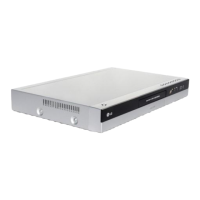
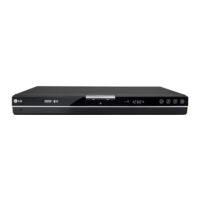
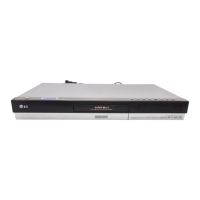
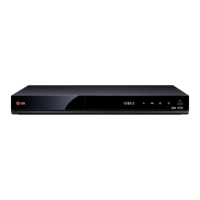
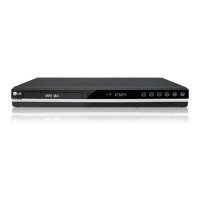
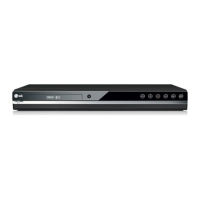
8
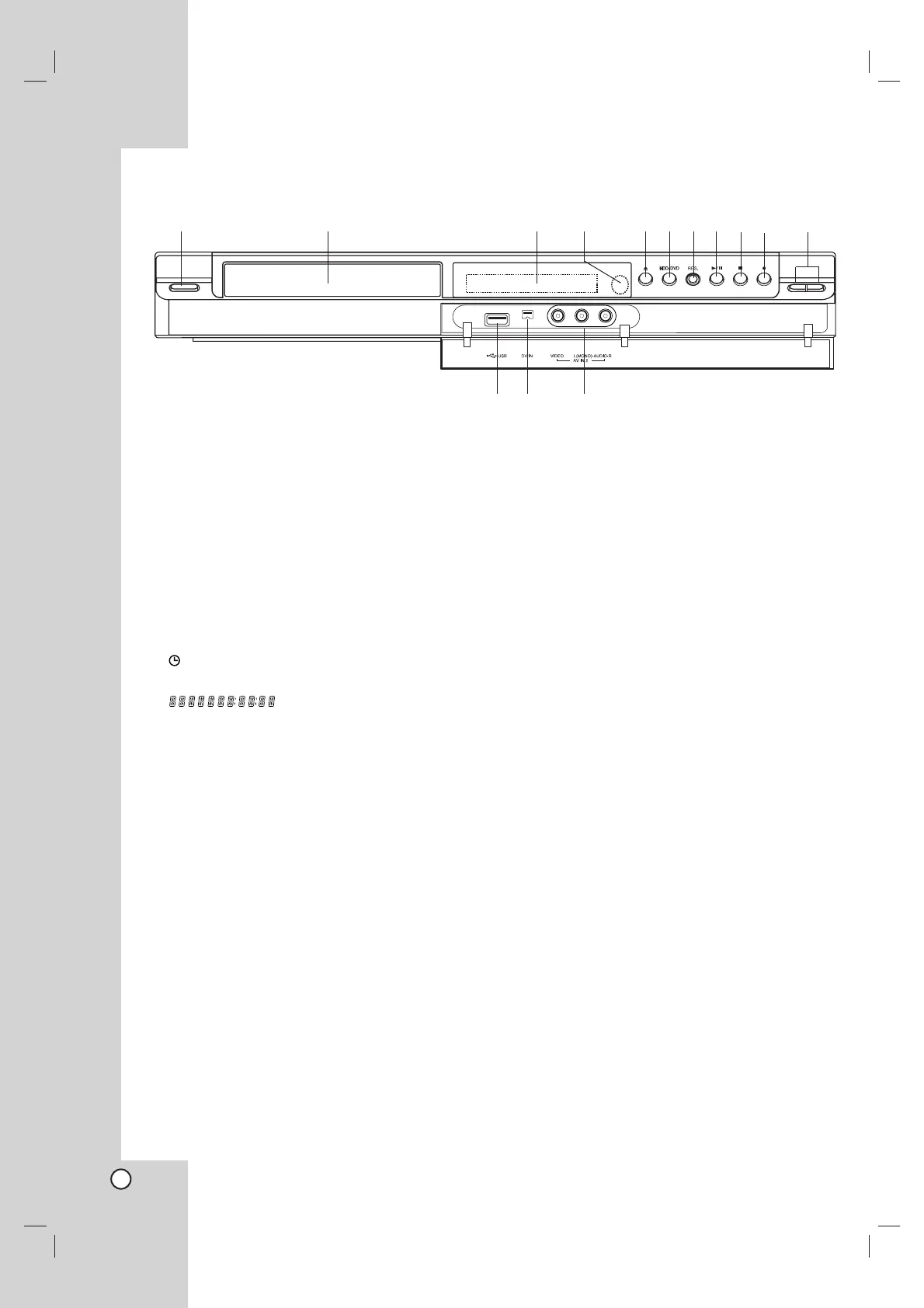
a POWER button
Switches the recorder ON or OFF.
b Disc Tray
Insert a disc here.
c Display window
Shows the current status of the recorder.
T/S: Indicates the timeshifting mode.
REC: The recorder is recording.
HDD: The recorder is HDD mode.
DVD: The recorder is DVD mode.
HDD bBDVD: The recorder is dubbing.
: Indicates when the recorder is in timer
recording or a timer recording is programmed.
: Shows the current status of
the recorder (clock, program number, etc).
d Remote Sensor
Point the recorder remote control here.
e OPEN/CLOSE (Z)
Opens or closes the disc tray.
f HDD/DVD
Set the recorder’s mode to HDD or DVD.
g RESOLUTION
Sets the output resolution for HDMI and
COMPONENT OUTPUT jacks.
- HDMI: 576i, 576p, 720p, 1080i
- COMPONENT: 576i, 576p
h N / X (PLAY / PAUSE)
Starts playback.
Pause playback or recording temporarily,
press again to exit pause mode.
i x (STOP)
Stops playback or recording.
j z (REC)
Starts recording. Press repeatedly to set the
recording time.
k PROG. (V/v)
Scans up or down through memorized channels.
l USB Port
Connect an USB Memory Stick.
m DV IN
Connect the DV output of a digital camcorder.
n AV IN 2 (VIDEO IN/AUDIO IN (Left/Right))
Connect the audio/video output of an external
source (Audio system, TV/ Monitor, VCR,
Camcorder, etc.).
Front Panel
ab cdefghijk
lm n


 To Next Page