9
Introduction
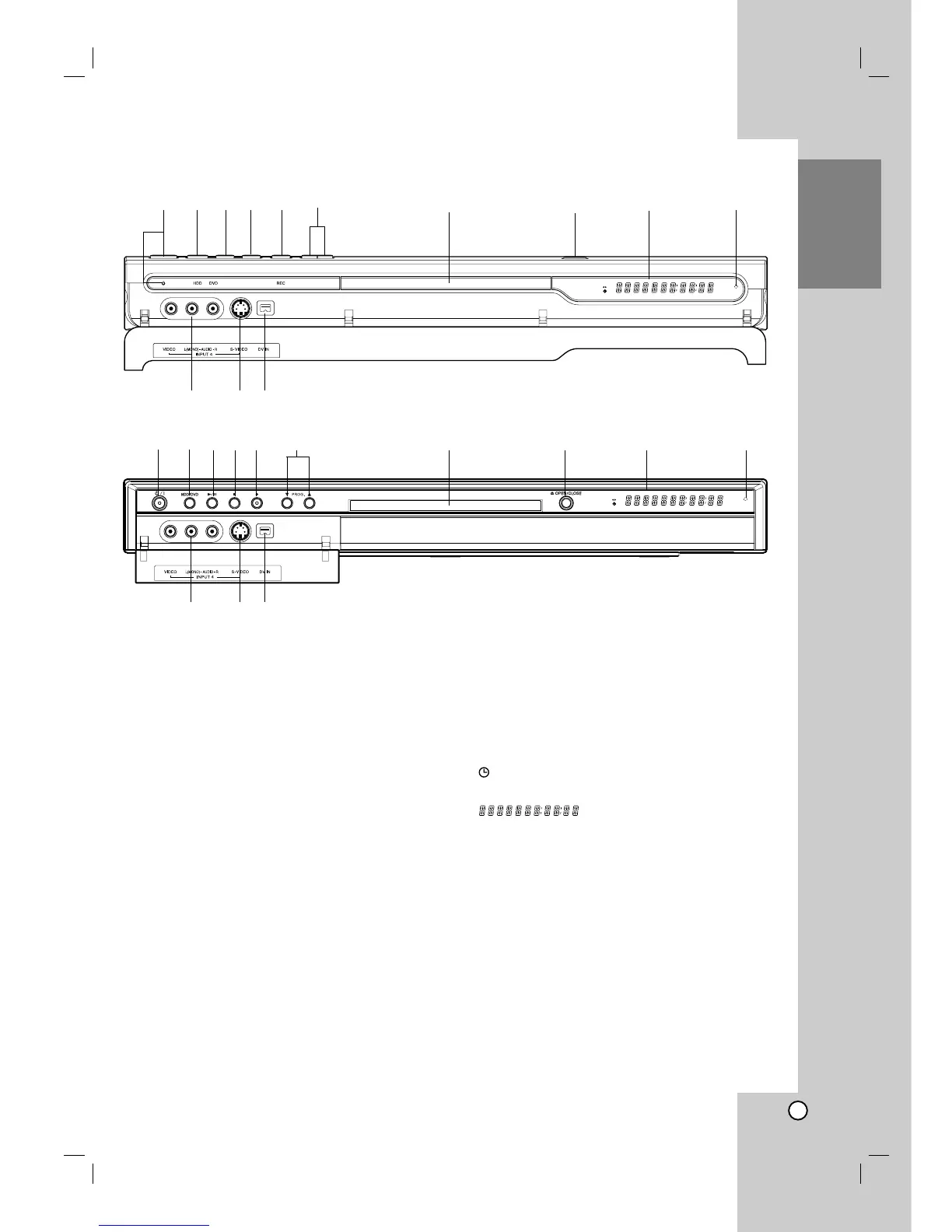
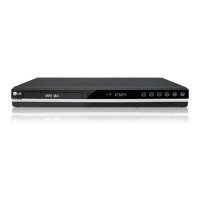
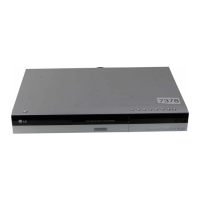
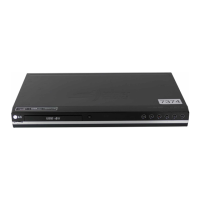
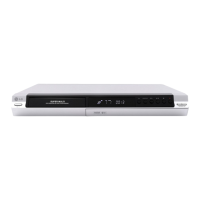
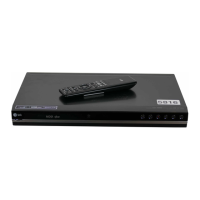
a POWER button and indicator
Switches the recorder ON or OFF.
Lights up red when the recorder is in standby
mode.
b HDD/DVD
Set the recorder’s mode to HDD or DVD.
c N / X (PLAY / PAUSE)
Starts playback.
Pause playback or recording temporarily,
press again to exit pause mode.
d x (STOP)
Stops playback or recording.
e z (REC)
Starts recording. Press repeatedly to set the
recording time.
f PROG. (V/v)
Scans up or down through memorized channels.
g Disc Tray
Insert a disc here.
h OPEN/CLOSE (Z)
Opens or closes the disc tray.
i Display window
Shows the current status of the recorder.
T/S: Indicates the timeshifting mode.
REC: The recorder is recording.
HDD: The recorder is HDD mode.
DVD: The recorder is DVD mode.
HDD bBDVD: The recorder is dubbing.
TV: Indicates when the recorder is in TV tuner
mode.
: Indicates when the recorder is in timer
recording or a timer recording is programmed.
: Indicates clock, total playing
time, elapsed time, title number, chapter/track
number, channel, etc.
j Remote Sensor
Point the recorder remote control here.
k INPUT4 (VIDEO IN/AUDIO IN (Left/Right))
Connect the audio/video output of an external
source (Audio system, TV/ Monitor, VCR,
Camcorder, etc.).
l INPUT 4 (S-VIDEO IN)
Connect the S-Video output of an external source
(TV/ Monitor, VCR, Camcorder, etc.).
m DV IN
Connect the DV output of a digital camcorder.
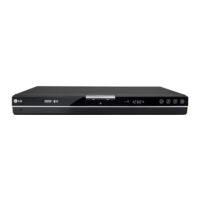
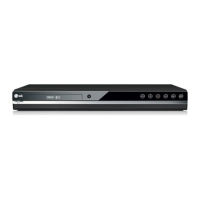
Front Panel


 To Next Page