Due to our policy of continuous product innovation, some specifications may change without notification.
“LG” is a registered trademark of LG Corp.
8
LG Smart AC
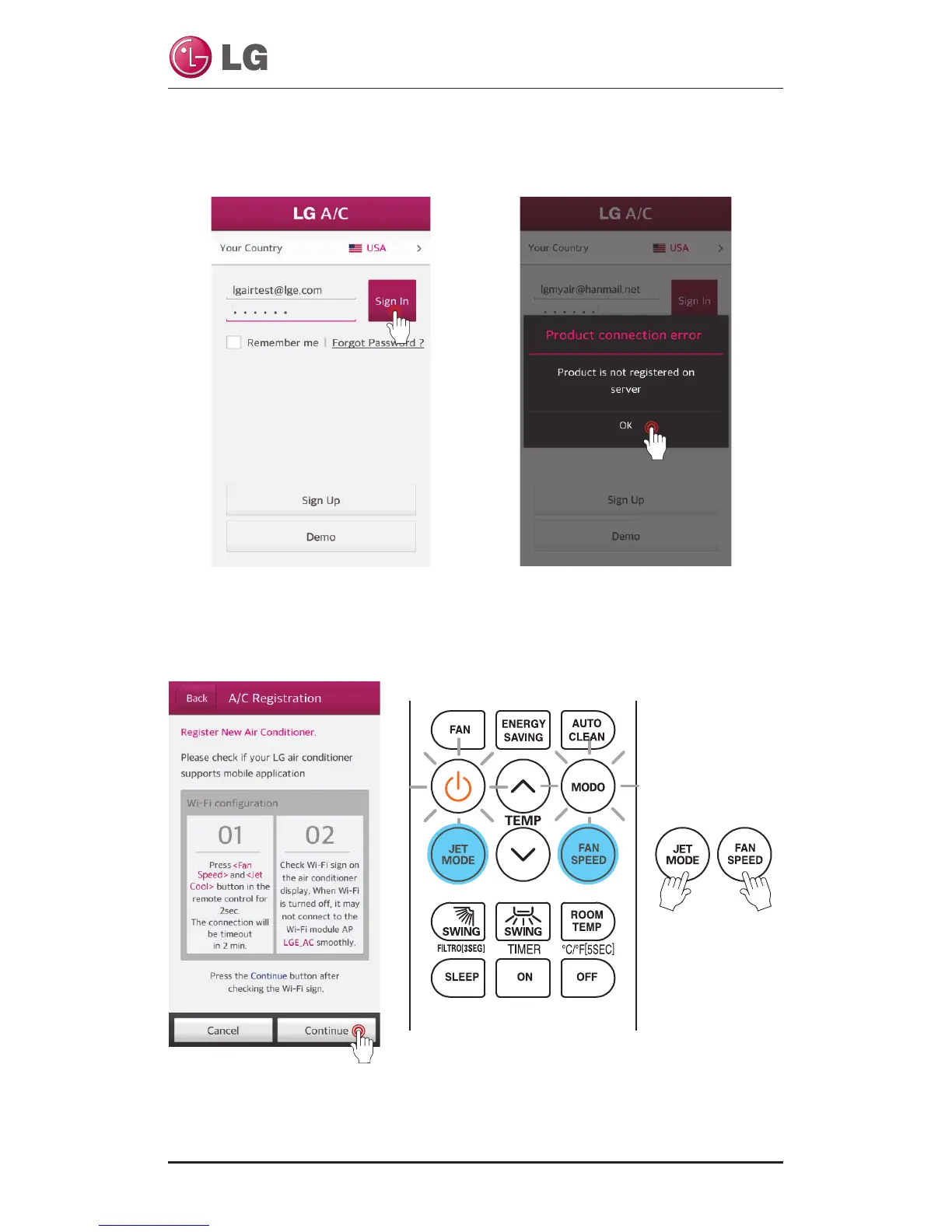
Before touch the “Continue” button, you have to set registration mode and set-
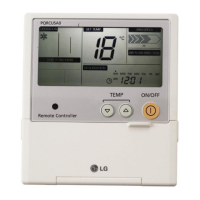
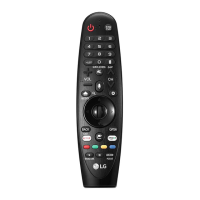
ting Wi-Fi. Point the remote control at the indoor unit, and press the Jet Mode
and Fan Speed buttons simultaneously for 3 seconds.
WLAN Connection
A function to register an air conditioner on the server before using the mobile app.
Selected your country. If you select a coun-
try, it will change to that language.
After that, Entering the E-mail and the
password. Then touch the “Sign In” button
When registering the product for the first
time, a pop-up will be activated. Once the
“Ok” button is touch, it will change to the
air conditioner registration screen.



 To Next Page