Due to our policy of continuous product innovation, some specifications may change without notification.
“LG” is a registered trademark of LG Corp.
9
User Manual
Reference
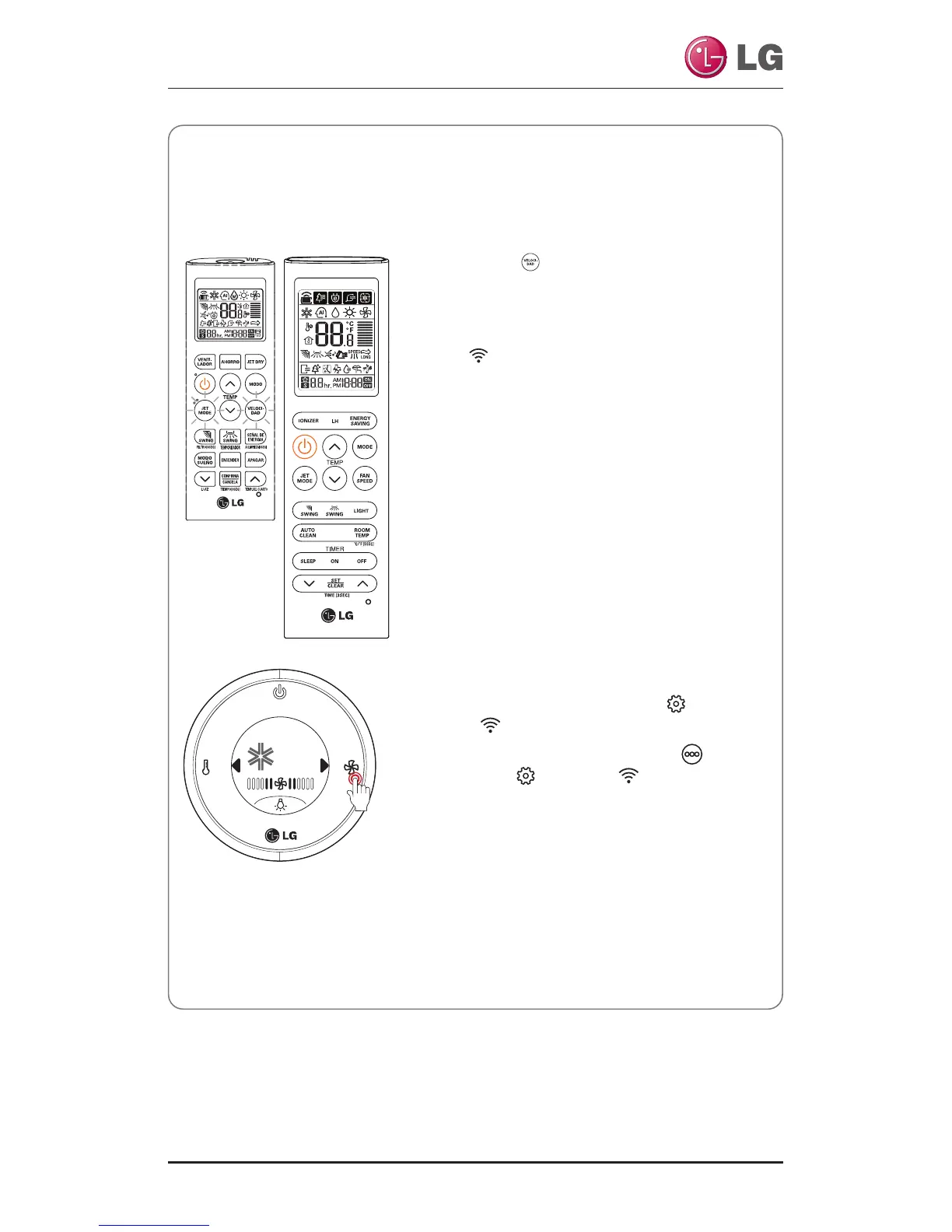
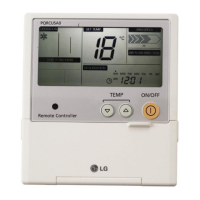
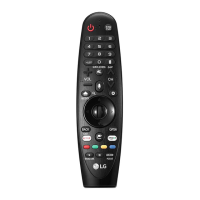
* Remote Controller may appear slightly different, depending on your model.
• Instruction to set registration mode
• Press
M and on the remote control for 3
seconds simultaneously to set the registration
mode on the air conditioner.
• Once the registration mode is set, the Wi-Fi in-
dicator blinks on the display of the body.
• 5minutes after the setting, the registration
mode on the air conditioner gets cancelled au-
tomatically.
❈ If the registration mode is canceled during the
product registration, re-execute the registra-
tion mode. Then, proceed with the registra-
tion.
• Tap a menu as follows.
- Screen standby : ▶→Settings →
WLAN .
- Active home screen : ▶→More →▶
→ Settings → WLAN .
• Once the registration mode is set, the upper
lighting blinks on the display of the body.
• 5minutes after the setting, the registration
mode on the air conditioner gets cancelled au-
tomatically.
❈
If the registration mode is canceled during the
product registration, re-execute the registration
mode. Then, proceed with the registration.



 To Next Page