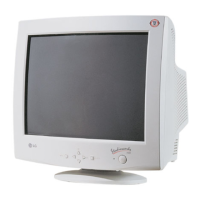
1. Power ON/OFF Button
Use
this button to turn the monitor ON or OFF.
2. Power Indicator
This indicator lights up green when the monitor operates
normally; in DPMS (Energy Saving) mode, -stand-by,
suspend, or power off mode -its color changes to
orange, and if abnormal or damaging circuit turns out
orange blink.
3. Select Button
Use this button to enter a selection in the on screen
display.
4. Button
Use these buttons to choose or adjust items in the on
screen display.
5. MENU Button
Use this button to enter or exit the on screen display.
OPERATING INSTRUCTIONS
- 5 -
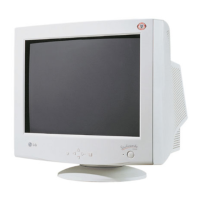
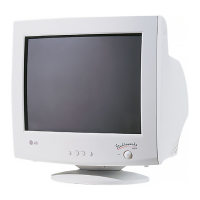
FRONT VIEW REAR VIEW
AC Power Socket
Signal Connector
ID Label
Front Control Panel
Buttons
MENU Button
Power Button
Power (DPMS) Indicator
SELECT Button
<Shortcut Keys>
• Brightness and Contrast can be
adjusted directly without entering
the On Screen Display (OSD)
system.
Press the buttons to adjust the settings and then the
MENU button to save all changes. The Brightness and
Contrast functions are also available in the On Screen
Display (OSD) menu.






 To Next Page