4
ENGLISH
NOTE
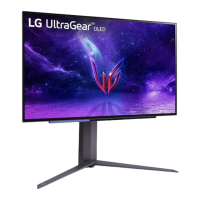
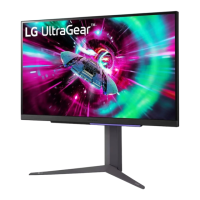
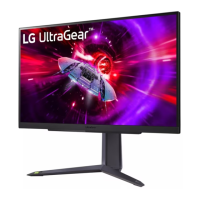
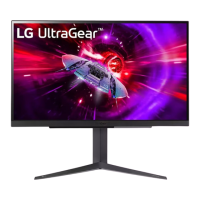
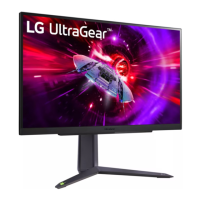
• The components may look different from those illustrated here.
• Without prior notice, all product information and specifications contained in this manual are subject to
change to improve the performance of the product.
• To purchase optional accessories, visit an electronics store or an online shopping site, or contact the retailer
from which you purchased the product.
• The power cord provided may differ depending upon the region.
Supported Drivers and Software
You can download and install the latest version from the LGE website (www.lg.com).
- Monitor Driver / OnScreen Control / LG Calibration Studio (For 27GR95QE/27GR95QL)
- Monitor Driver / OnScreen Control / LG Calibration Studio / Dual Controller (For 27GS95QE)
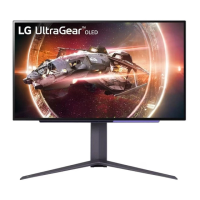
Product and Button Description
A
C
B
: Remote control receptor
: Power button
: Lighting


 To Next Page
 Loading...