10
Connecting via USB Cable
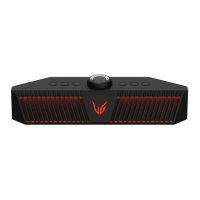
You can connect the device to a gaming PC to enjoy deep and rich sounds.
You can play your PC games with more realistic sounds.
Connecting to PC for Gaming
Please check the following rst.
• This product can be used with gaming PCs, laptops or game console* that support UAC** (USB Audio
Class)
- PCs, laptops: with UAC2.0
- Game console (PlayStation 4/5): UAC1.0 support
* Using the PlayStation 4 or 5 should be changed to the UAC 1.0 setting via the LG XBOOM app.
** UAC(USB Audio Class): Digital audio connection standard that used a USB interface and distinction
between 1.0 and 2.0 by the transmission speed and data size that support.
• ItmaynotworkproperlydependingonthespecicationsofdevicethatsupportUAC(USBAudioClass)
For more information, contact your device manufacturer.
• Thespeaker’sPCspecicationsareasfollows:
- Window OS: 10 version 20H2
- MAC OS: 11.2 version
It is recommended to use the speaker with this version or later.
• Connecting a monitor or some mobile phone to the speaker via USB C to USB C cable may result in a no
sound.
• If PC's Speaker be set up 7.1 or 5.1 Surround on PC it could be better the FPS sound effect.
a Open the back cover of the speaker connect the
to the PC’s USB terminal via a USB cable.
Connecting via USB Cable


 To Next Page
 Loading...