5
Exploring the Product
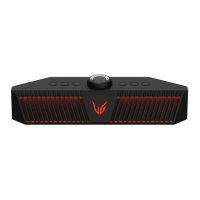
Top
a
Power
Turns the speaker on or off.
Power LED
Press and hold the Power
button for 2 seconds to check the battery level
while the power or the speaker is on. ([ See “Checking Battery Status” on page
9.)
Function
Press the button repeatedly to select the desired input mode or function.
Input Mode/Function How to Use
USB/OPTICAL/Bluetooth Press the button.
Connect to another smartphone
Press and hold the button for 2
seconds.
Reset Bluetooth
Press and hold the button for 7
seconds.
Function LED Indicates the input mode or Bluetooth connection status.
LED
Input
Mode
LED Status Description
USB
Turns on in
white.
Connect to the PC.
OPTICAL
Turns on in
red.
Connect to the gaming console.
Bluetooth Blinks in blue.
Ready for Bluetooth device
connection.
Bluetooth
Turns on in
blue.
Connected to a Bluetooth device.
Exploring the Product


 To Next Page
 Loading...