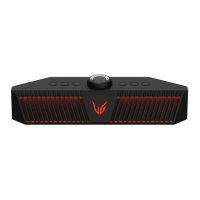
7
Back
g
a
DC IN Connect an AC adapter to charge the speaker.
b
Plug in a USB (C-Type) cable to connect the speaker to the PC.
c
OPTICAL IN Plug in an optical cable to connect the speaker to the gaming console.
d
RESET
When the speaker does not function properly, use a sharp object such as a pin to
press the hole.
e
AUX OUT You can connect an external device to the speaker via a 3.5 mm stereo cable to
enjoy music.
f
Plug in the headset or earphones wire to connect it to the speaker.
• The microphone on the headset can only be used for voice chat in the USB
mode.
g
Back Cover Make sure to fully close the back cover after use.
> CAUTION
Use caution when handling the speaker. The speaker on the rear is exposed. Avoid making contact with the
exposed speaker.


 To Next Page