5
Unlocking the screen
To conserve battery power, the screen you are currently viewing will be replaced by the lock
screen after a period of inactivity.
a
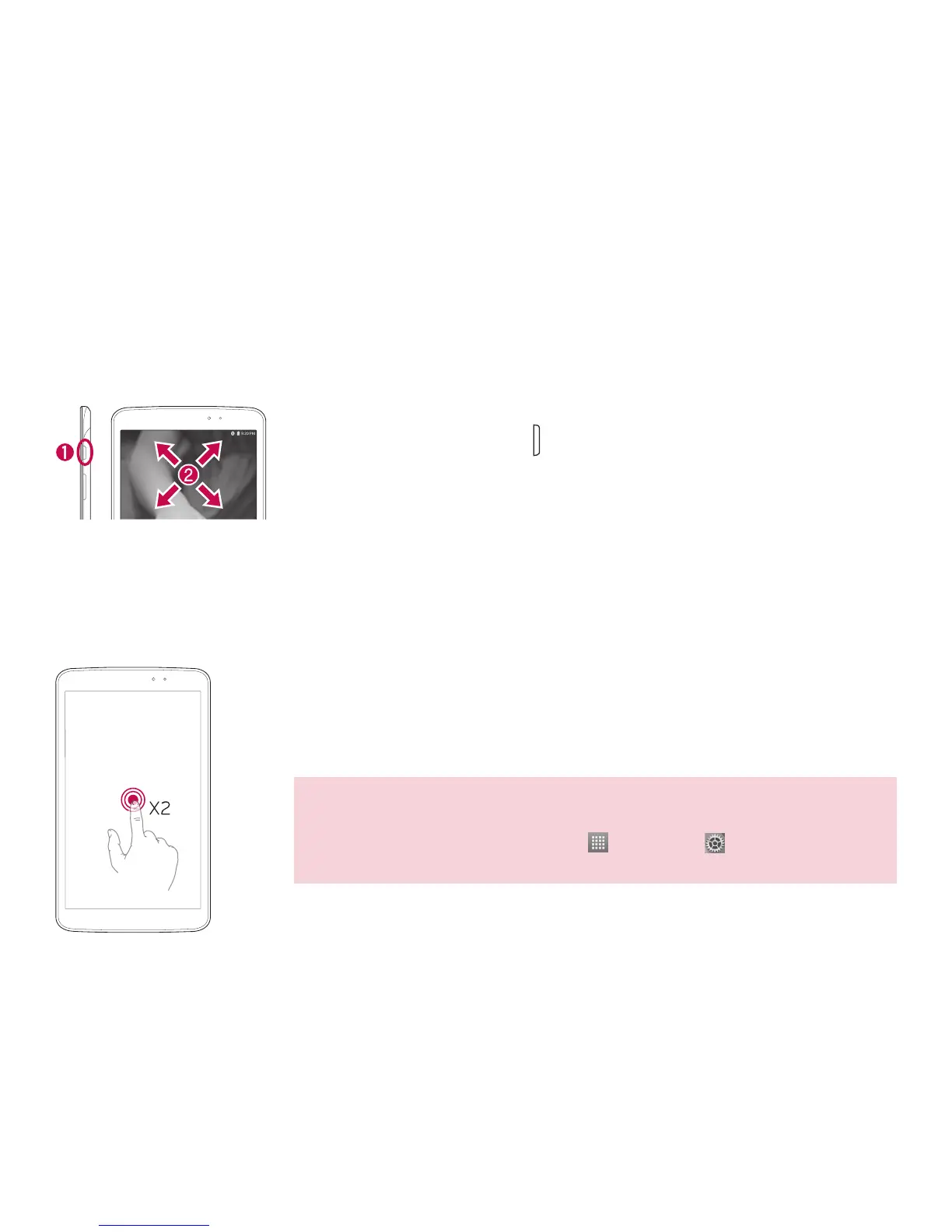
Press the Power/Lock Key .
b
Swipe the screen to any direction to unlock it.
Turning the screen on using the KnockON feature
The KnockON feature allows you to double-tap the screen to easily turn the screen on or off.
• Quickly double-tap the center of the screen to turn the screen on.
• Quickly double-tap the Status Bar, an empty area on the Home screen, or
the Lock screen to turn the screen off.
NOTE
• You can disable this feature in the Display settings.
From the Home screen, tap Apps
> Settings > Display >
KnockON > tap the KnockON checkbox.
Screen



 To Next Page