6
Adding icons to the Home screen
You can customize each screen by adding widgets or shortcuts of your favorite applications.
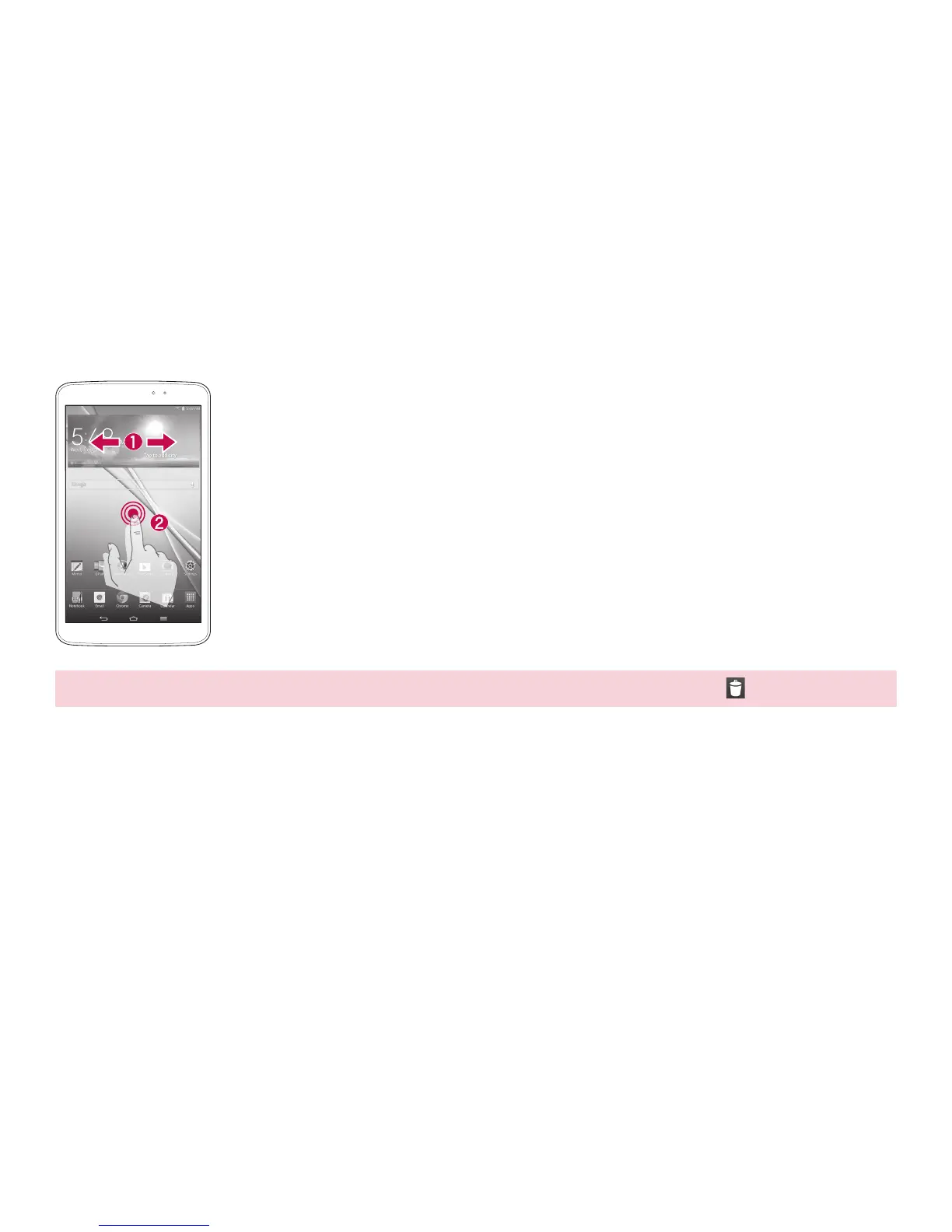
a
Swipe your finger right or left to move through the screens. Stop when
you get to a screen that you want to add items.
b
Touch and hold an empty area in the Home screen. Touch the Apps or
Widgets tab, then select the item you want to add.
TIP! To delete an icon from the Home screen, touch and hold it, then drag it to the icon.
Screen



 To Next Page