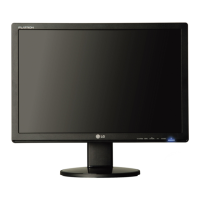
TheOSDscreenwillappearwhenyoutouchthesm_.rt button on the right bottom of the
monitor.
I
CINEMA MODE
It focuses better on the moving picture in
selected area.
*This function is operated only if the
fortemanager is installed to pc.
*Only for DSUB and DVI input.
AUTO BRIGHT
If select on,it automatically controls the
brightness of display to best suit the
surrounding working environment,providing
the optimal viewing condition and maximized
user convenience.
If select off,auto brightness is off.
TIME CONTROL Remind user using time by showing alarm
OSD and flickering power LED.
Selection:OFF/1 HOUR/2HOUR
LIVE SENSOR This function turns on the button LED for
pushing comfortable.When detect the
presence of users hand before touch it.
SMART To adjust AUTO BRIGHT,TIME CONTROL,
LIVE SENSOR.
If select ON itturns on AUTO BRIGHT,LIVE
SENSOR and makes time CONTROL to 1HOUR.
If select off,it turns off those.
If set AUTO BRIGHT,TIME CONTROL,LIVE
SENSER directly,this setting is changed to
USER automatically.


 To Next Page
 Loading...