How to Use Your Watch 23
• You can also change and download watch faces through the Android
Wear
app on your companion device.
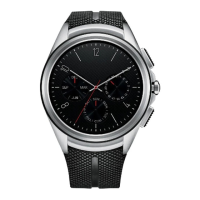
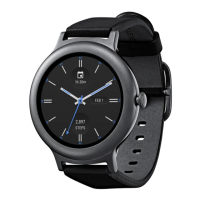
Customize the Watch Face Home Screen Menu
1
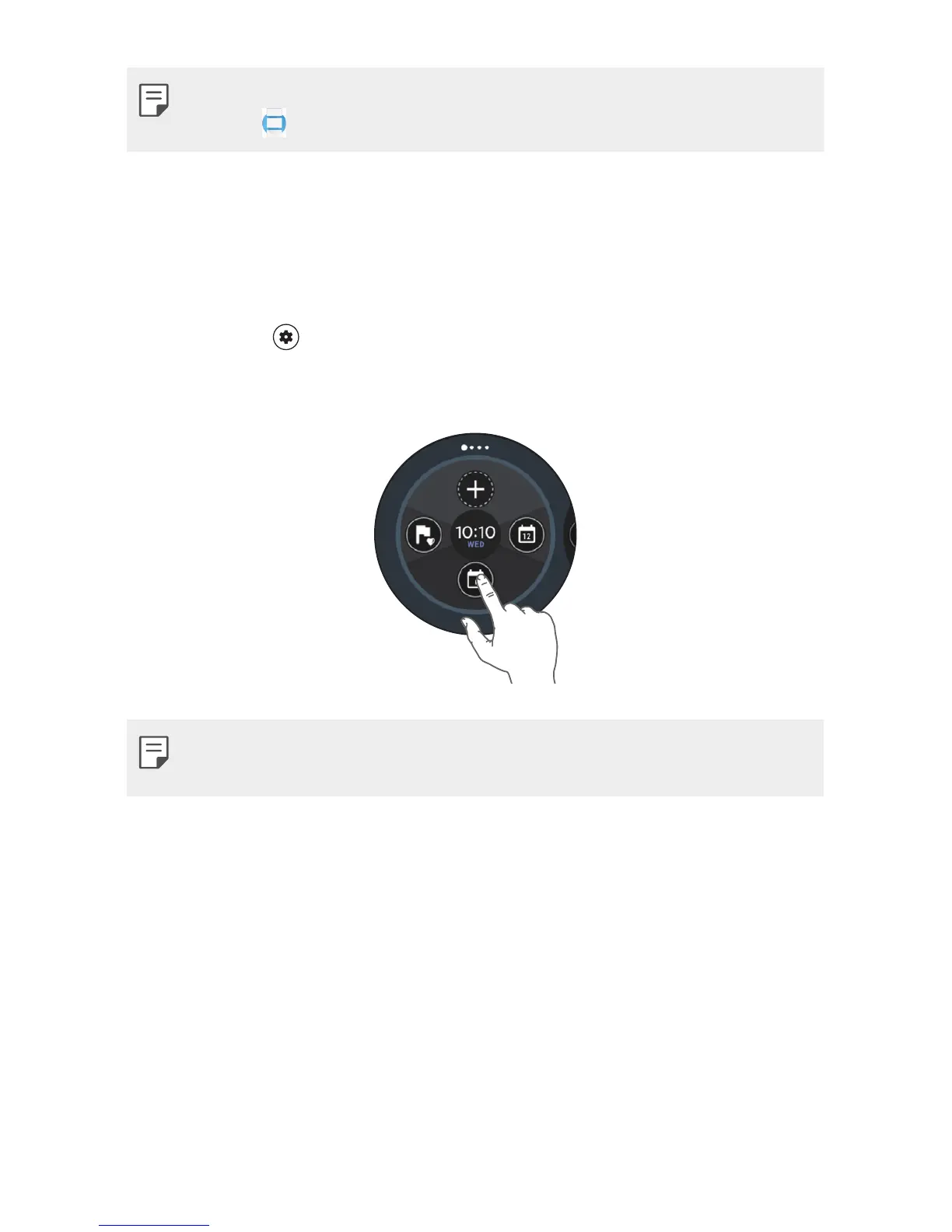
Touch and hold the watch face home screen for one second.
OR
Swipe left or right from the watch face home screen and then tap
Customize
.
2
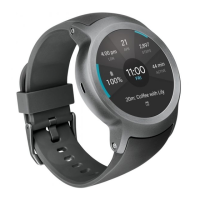
Tap Data to customize the shortcuts and watch face layout displayed
on the watch face home screen.
• To personalize the shortcuts, tap the shortcut you want to remove and
select the desired item.


 To Next Page