Meet your Google Assistant 39
Managing Your Alarms
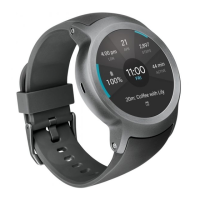
You can view, edit, and delete the alarms that you set on your watch.
1
If your screen is dimmed, tap the screen to wake up the watch.
2
From the watch face home screen, say “OK Google” or press and hold
the Power button until you see Hi, how can I help?.
3
Say "Show alarms".
• Tap next to an alarm to edit or delete it.
• Tap
to manually set an alarm.


 To Next Page