Basic Functions 7
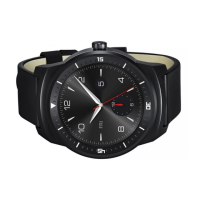
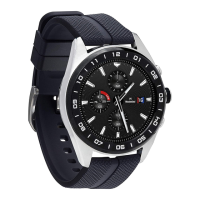
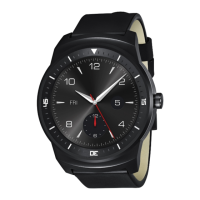
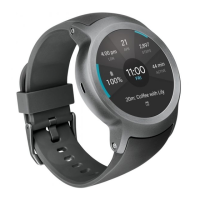
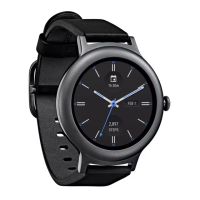
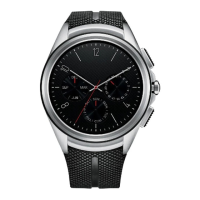
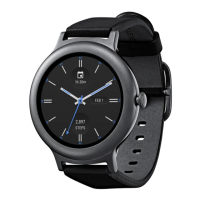
Watch Overview
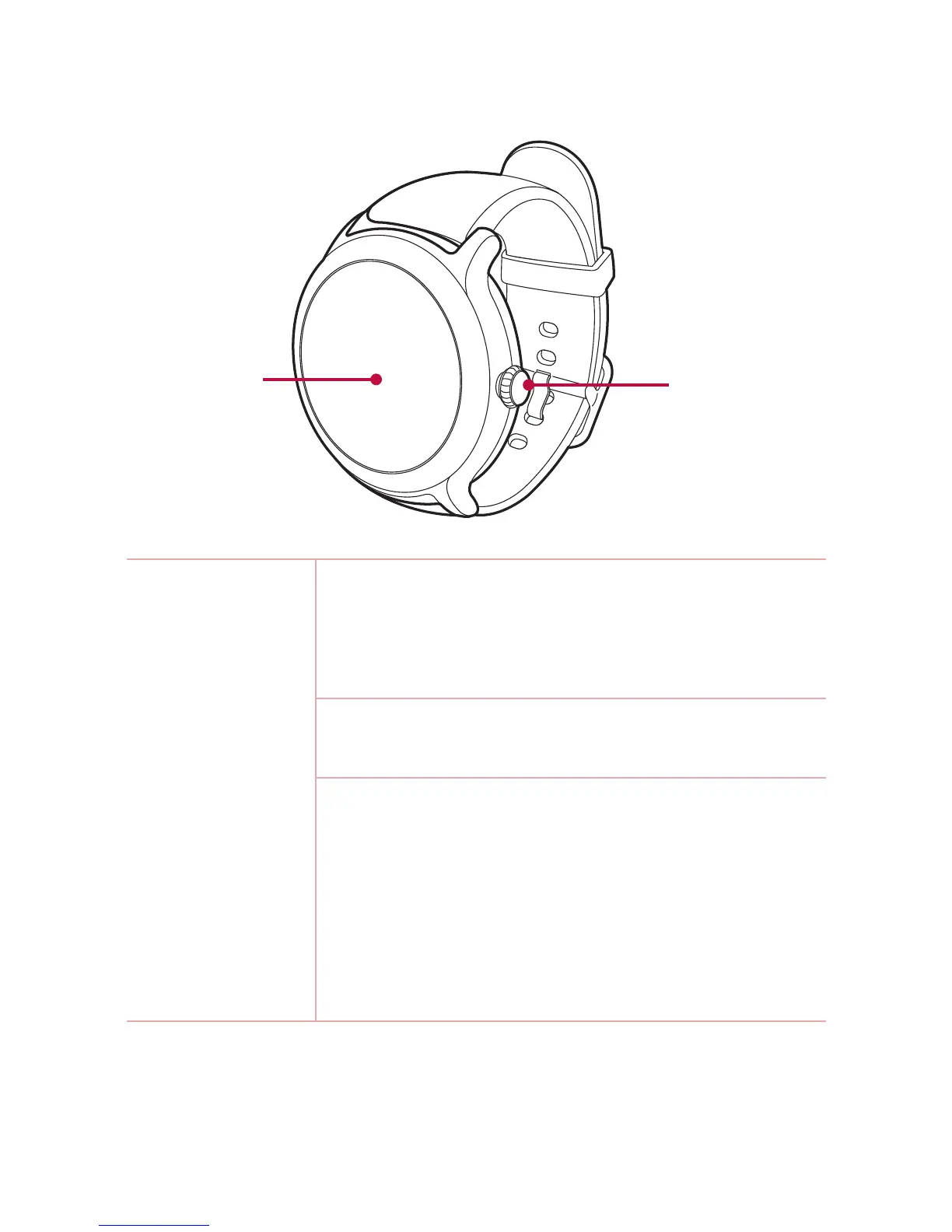
Power/
Rotating side
button
Touch screen
Power/Rotating
side button
To turn the watch on:
• Press and hold for one second to turn the screen
on.
If it doesn't turn on, press and hold for a few
seconds until the LG logo appears.
When the screen is dimmed:
• Press once to wake the screen.
When the scr
een is on:
• Press to open the Apps screen when you are on
the w
atch face home screen.
• Press to return to the previous when you are on
any o
ther screen.
• Press and hold for one second to get help from
your Google Assistant.


 To Next Page