Basic Functions 8
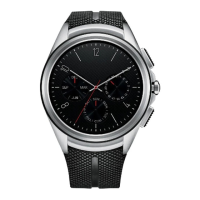
Power/Rotating
side button
Rotating the Power/Rotating side button:
• Rotate to browse the apps list on the Apps
scr
een.
• Rotate to show or hide notifications in the
w
atch face home screen.
If the screen freezes:
• Press and hold for more than 10 seconds until
the L
G logo appears to restart the watch.
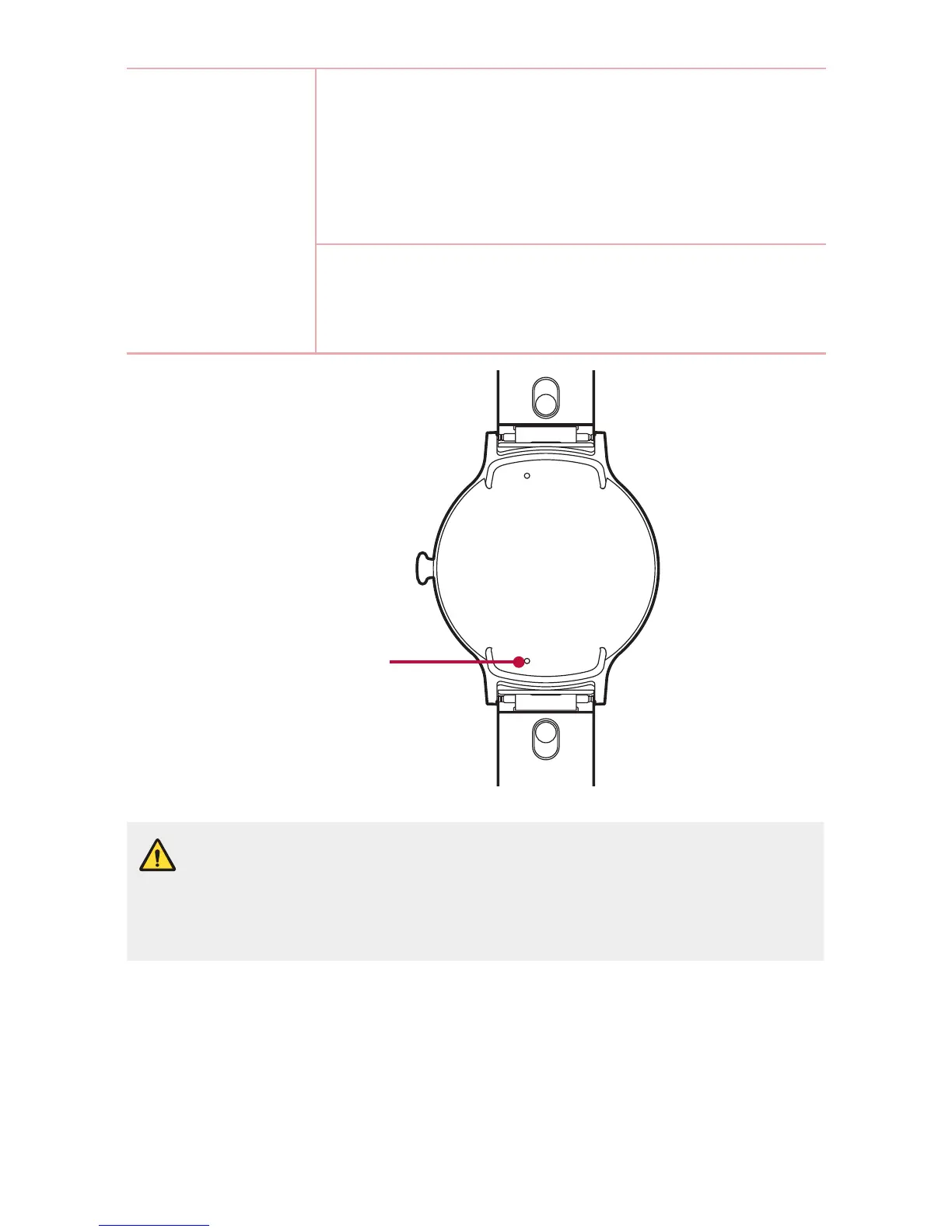
Microphone
• Keep the microphone holes clear.
• Any damage to the microphone resulting from accidents, unreasonable
use, tampering or other causes not arising from defects in material or
workmanship may void the Limited Warranty.


 To Next Page