How to Use Your Watch 26
Apps Screen
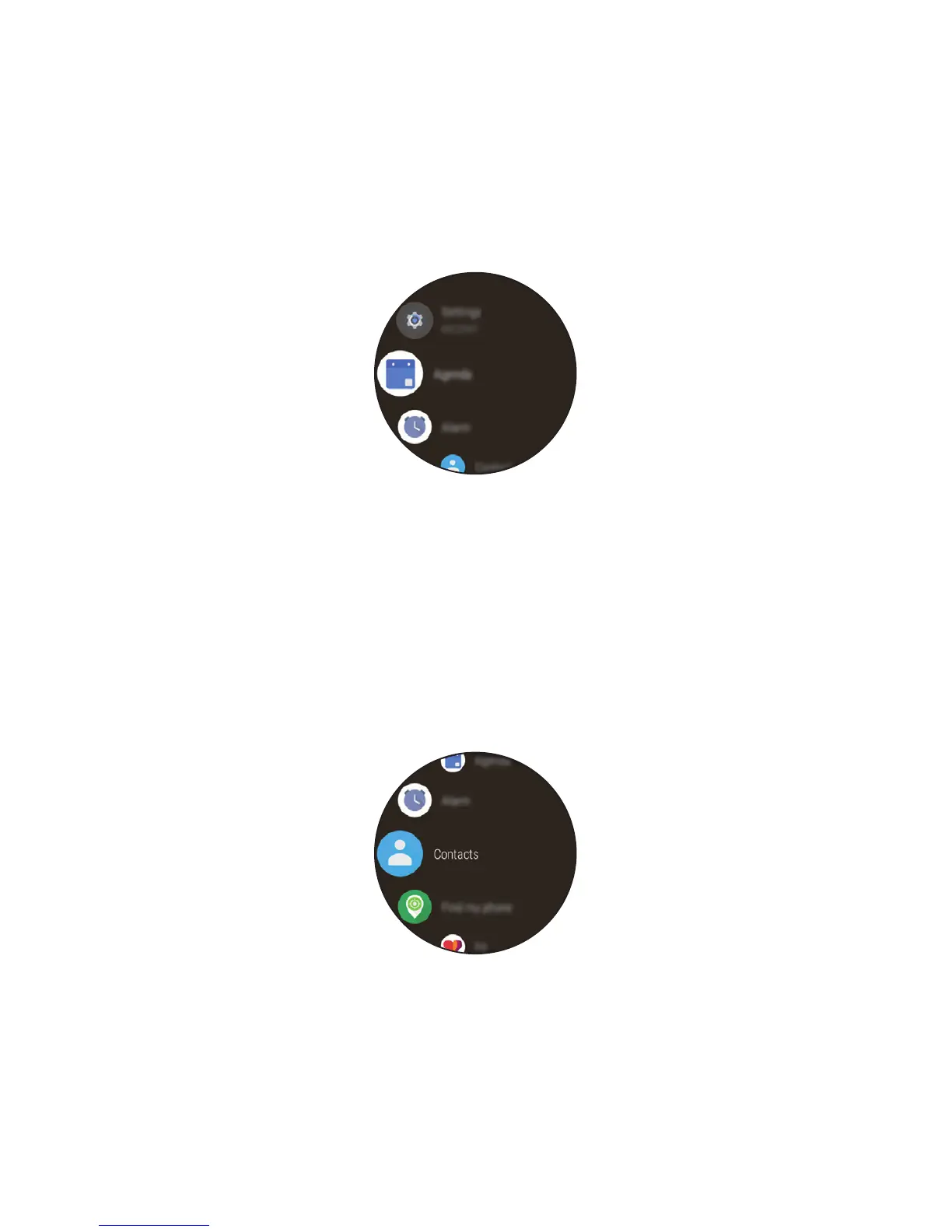
The Apps screen displays icons for all apps.
• From the watch face home screen, press the Power button to open
to the Apps screen.
• To open an app on the Apps screen, tap an app icon.
Call
Making a Call
You can make a call directly from your watch.
1
Open the Apps screen and then tap Contacts.


 To Next Page