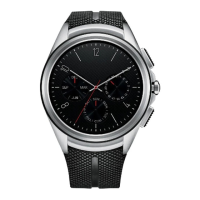
Meet your Google Assistant 34
Getting help from your Google
Assistant on Your Watch
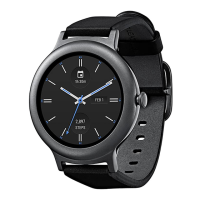
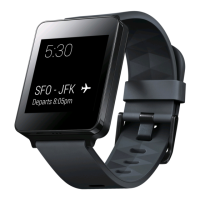
Your watch has the Google Assistant built in. Ask it questions. Tell it to do
things. It’s your own personal Google. Tap Settings
Personalisation
“OK Google” detection to activate it. Just say “OK Google” or press and
hold the Power button until you see Hi, how can I help?.
• To get help from your Google Assistant a data or Wi-Fi connection is
required on your companion device, and the devices must be within
Bluetooth range.
• This feature may vary or may not be supported, depending on the area,
languages, or paired devices.
Setting a Reminder
You can ask your Google Assistant to set a reminder. When a reminder is
set, a card will appear at the reminder time.
1
If your screen is dimmed, tap the screen to wake up the watch.
2
From the watch face home screen, say “OK Google” or press and hold
the Power button until you see Hi, how can I help?.
3
Say "Remind me".
4
Complete your reminder when prompted. Your reminder will
automatically save after a few seconds (tap the
before it finishes
saving to cancel it.)


 To Next Page