How to Use Your Watch 29
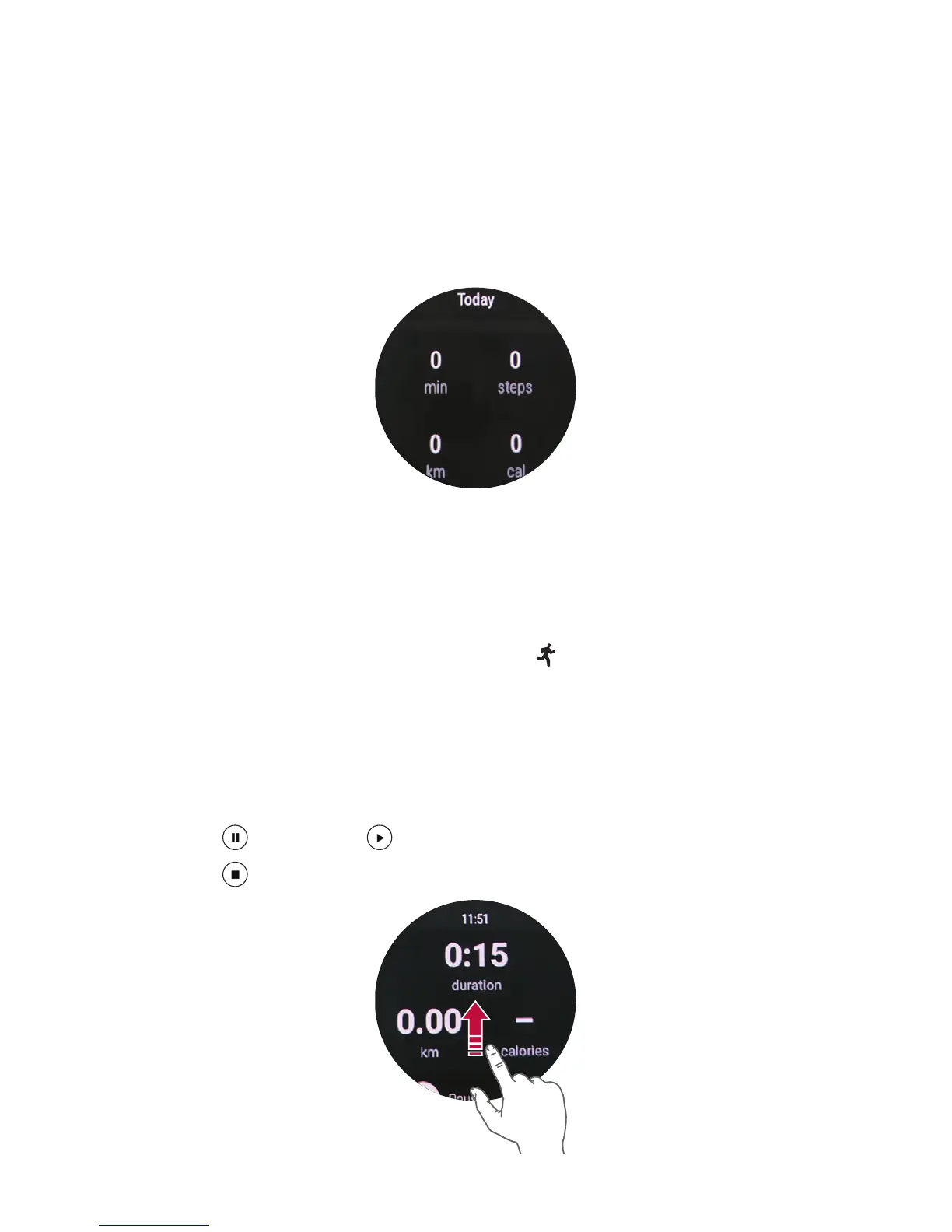
Viewing your workout report
Your workout log displays your active time, steps, distance, and active
calories.
1
Open the Fit app and swipe up until the workout report appears.
2
Tap each goal option to show workout information and a graph
depicting weekly data.
Using the Fit Workout App
Open the Fit Workout app
1
Open the Fit app and tap Fit Workout .
OR
Open the Fit Workout app.
2
Tap the desired workout mode.
3
Tap START to start monitoring your workout.
• Tap
to pause or to resume the workout.
• Tap
to complete your workout and view your workout report.


 To Next Page