1-6
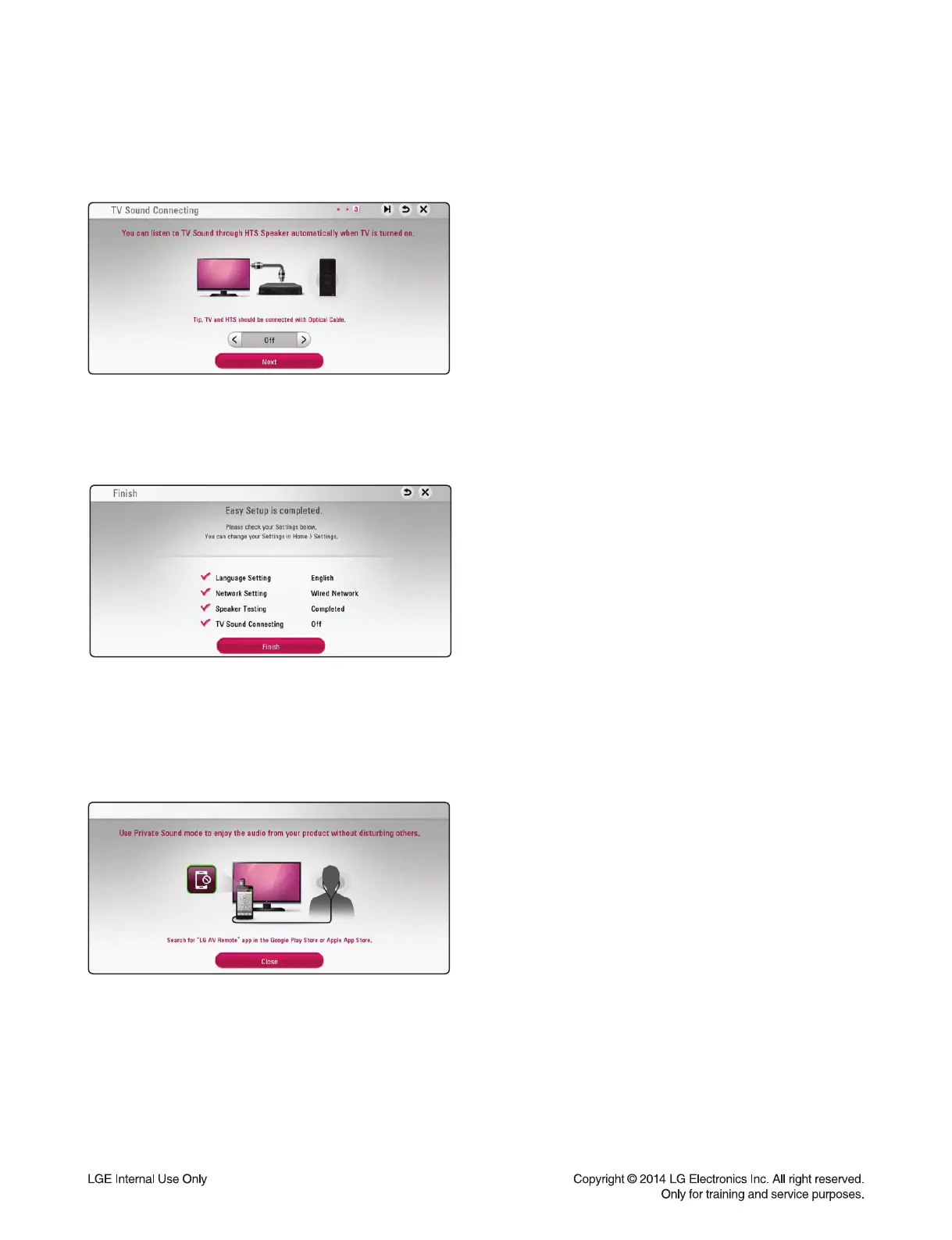
9. You can listen to TV sound through HTS speaker
automatically when TV is turned on. TV and HTS
should be connected with optical cable.
Press S to move and press W/X to select [On] or
[Off ]. Select [Next] and press ENTER (~).
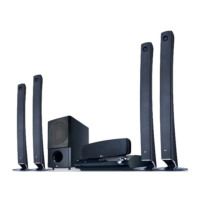
10. Check all the settings that you have set in the
previous steps.
Press ENTER (~) while [Finish] is highlighted to fi n-
ish the initial setup settings. If there is any settings to
be changed, use S/T/W/X to select and press
ENTER (~).
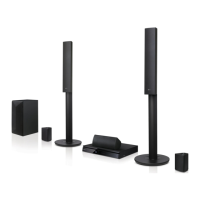
11. Displays private sound mode guide.
Press ENTER (~).
1



 To Next Page