ENGLISH
14
Installing on a monitor
• For some monitors only. Depending on the monitor, installation may not be possible.
• The image may be different according to the model.
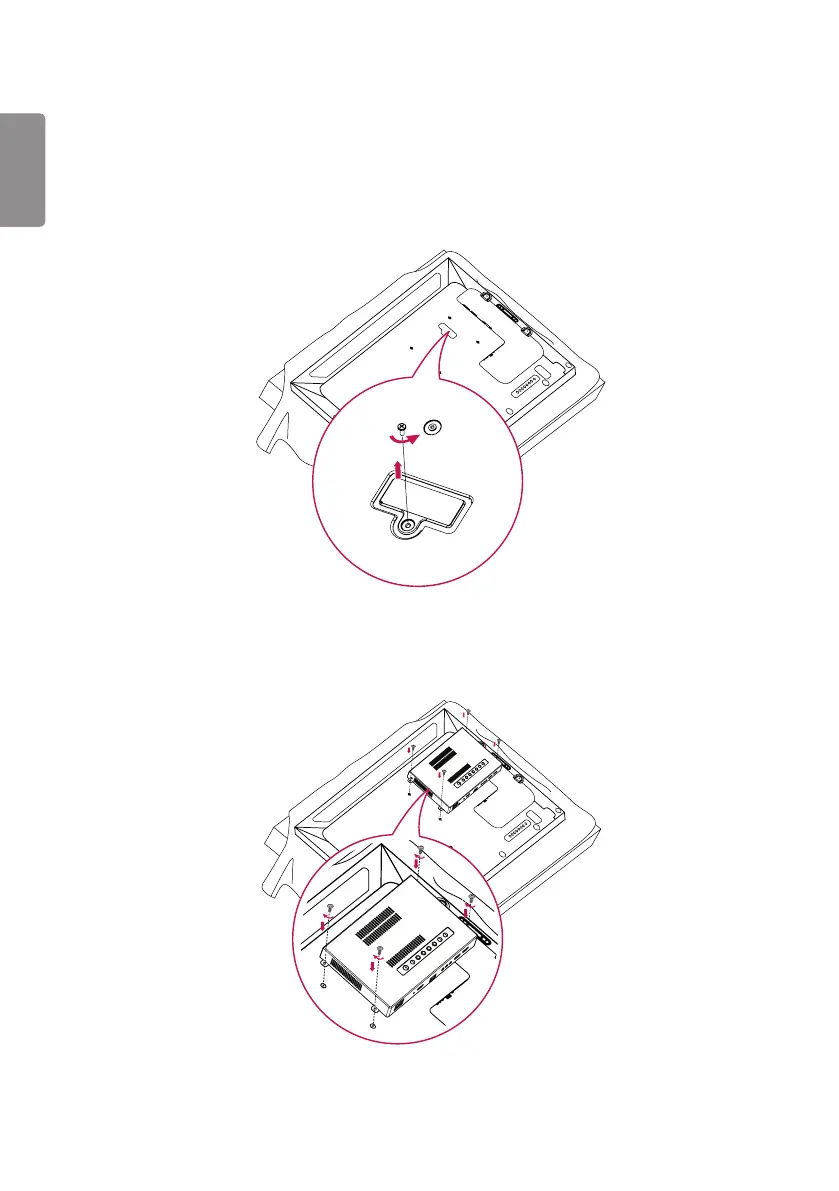
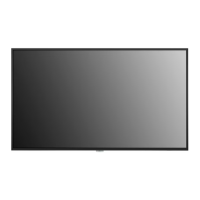
1 Lay a clean cloth on the floor, put the monitor on it with the screen facing downward, and then remove the screws
from the hole cover on the rear of the monitor with a screwdriver.
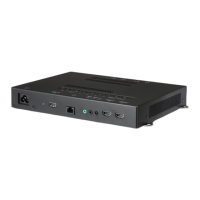
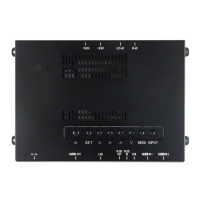
2 Align the WP400 along the four screw holes on the rear of the set and attach it to the rear of the set using the
four screws provided.


 To Next Page