54
The SPIN can be switched off either by cutting off the power supply and
thereby powering the unit down, or holding the “X” button pressed for 5
seconds. Thus, the device can be “switched OFF” and left connected to the
system.
5.1 HARDWARE TURN-OFF
The SPIN is turned OFF when it is cut off from the power mains.
The device acknowledges the turn-off request, turns off the motor and stores
the basic operating parameters into its permanent flash memory.
Moreover, all alarms are reset.
5.2 SOFTWARE TURN-OFF
The turn-off action allows the device to remain installed, but inhibited (as if
cut off from the power mains) in cases when the treatment to be performed
does not require the SPIN unit to operate and check yarn tension.
The SPIN unit can be manually “turned off” by holding pressed the “X”
button for about 5 seconds.
The manual turn-off state will also perform the following operations:
− the motor will be switched off;
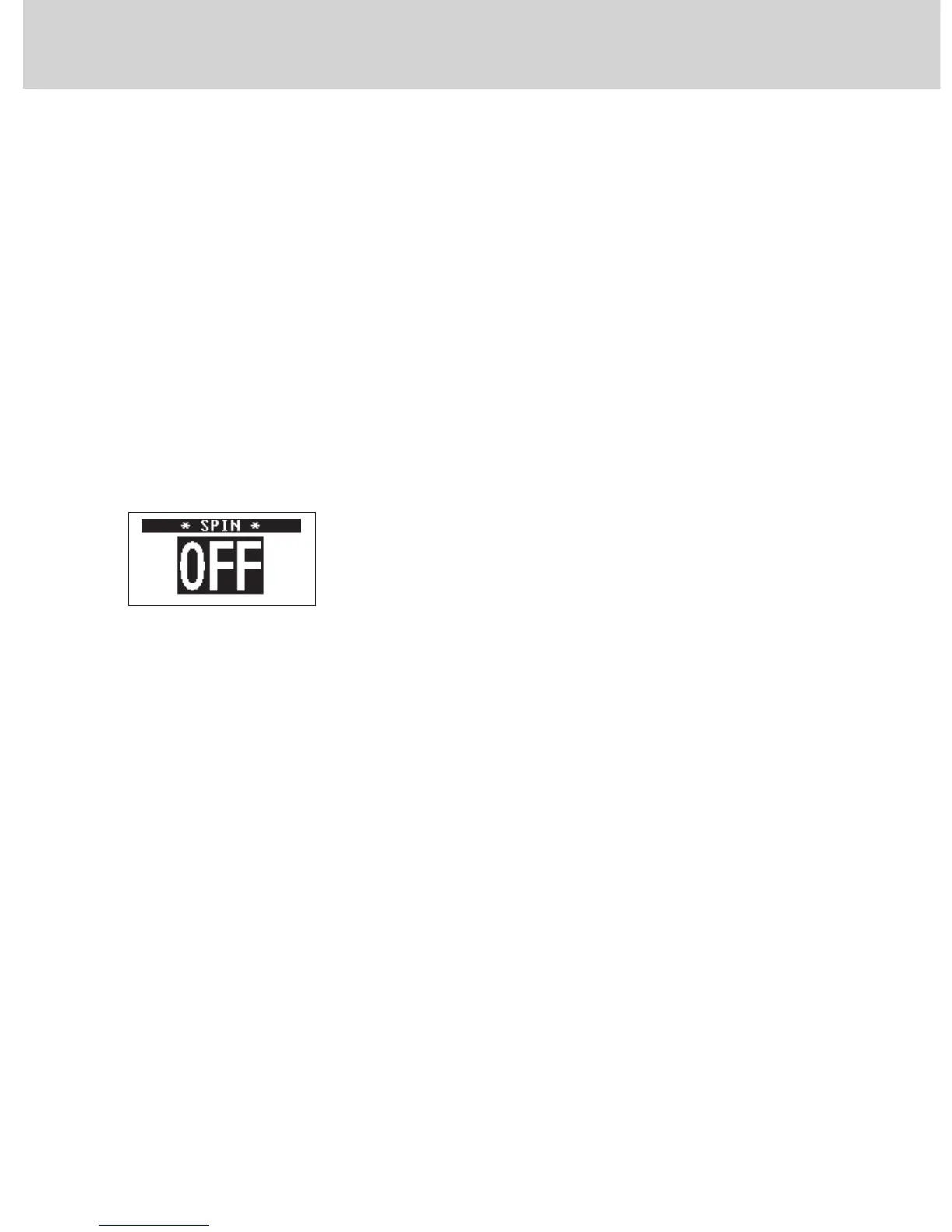
− the text “SPIN OFF” will appear on the display unit;
− the basic operating parameters will be stored in the permanent flash memory;
− all the alarms will be reset;
− any accumulated yarn increases/decreases will be set to zero;
− the serial communication will be inhibited;
− the machine Stop signal (if any) will be inhibited.
The device’s OFF status remains stored into the system and will persist even
if the SPIN is physically switched OFF and ON again.
Press the Enter “√” button to exit the inhibit state.
N.b.:
In the event of a “Power Down” alarm, you will not be able to manually
switch off the device.
5 - DEVICE TURN-OFF


 To Next Page