9
1 - GENERAL FEATURES
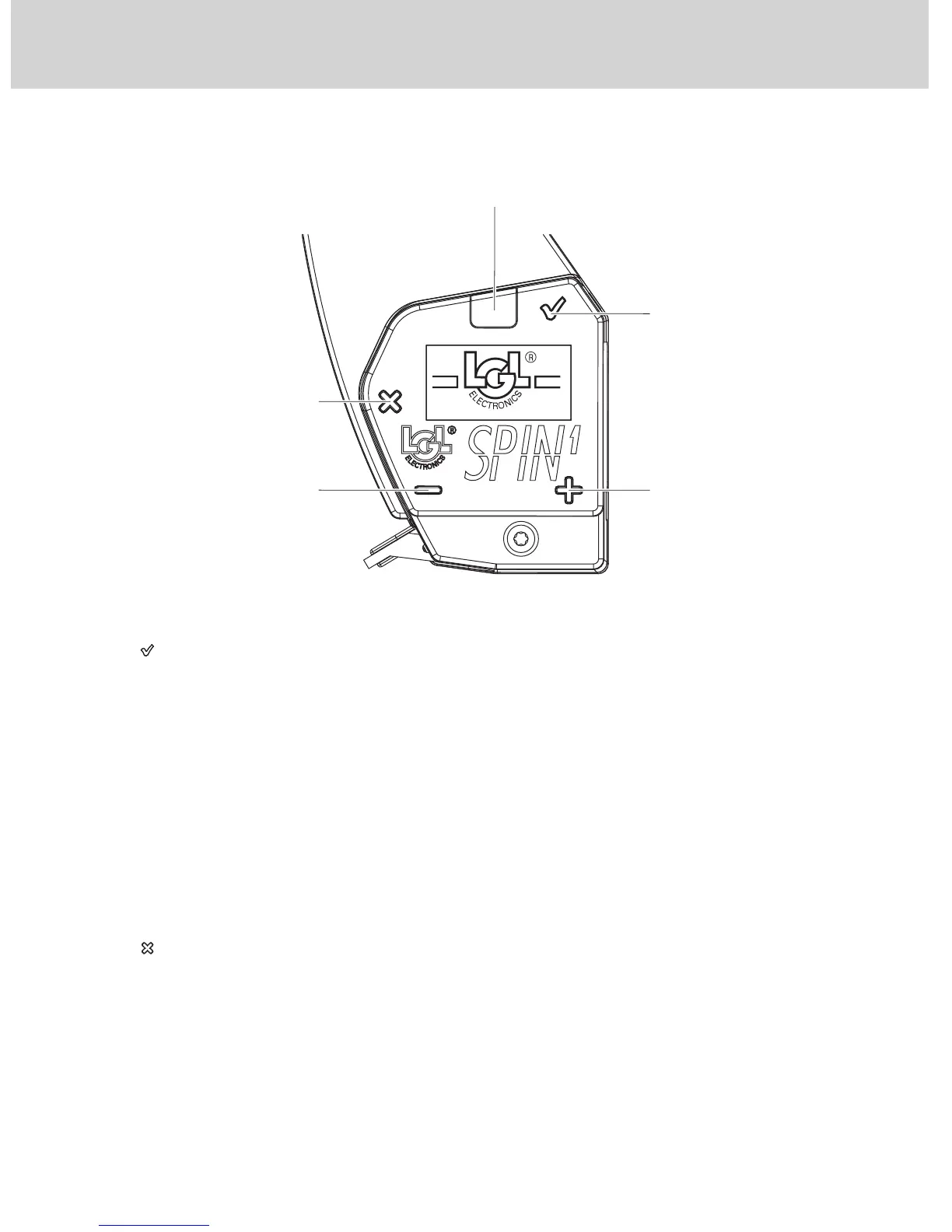
1.2 CONTROL BUTTONS
“ ” Enter button
The Enter button is used to access the reference tension programming
function and the sub-menus and confirm an entry.
The purpose of the button depends on the menu you are in.
Moreover, this button enables you to:
− reinstate the device when it is in the yarn winding (or threading) state
“WAIT:YarnWinding”;
− turn on the device when it stands in the “SPIN OFF state”;
− put the device in the self-resetting yarn winding/threading state
“WAIT:YarnWinding” (see chapter 3.1). Keep this button pressed for about
1 second.
“ ” Escape Button
The Escape button is used to cancel an alarm (if the alarm displayed can be
cancelled), exit submenus and quit a value editing page.
The purpose of this button depends on the menu you are in. Moreover, this
button allows you to:
− reinstate the device when it is in the yarn threading state
“WAIT:YarnWinding”;
− switch off the device by holding this button pressed for about 5 seconds
(complete switch-off “SPIN OFF”);
ALARM LIGHT
"ESC" BUTTON
"-" BUTTON
"+" BUTTON
"ENTER" BUTTON



 To Next Page