is started at the temperature lower than -18℃, it
may need to use a booster battery.
9.5 Operation from Ground
1) Turn the key switch to the Ground Control
Station.
2) The ground and platform red emergency
stop buttons are pulled out to "On" position.
3) Start the engine.
Adjustment of Platform Position
1) Press and hold the enabling button for
lifting functions.
2) Press and hold the lifting or lowering
button.
3) The drive and turning function cannot be
operated from the Ground Control Station.
Idling Selection of Engine
Press the idling selection button to select the
engine idling (rpm). Provide two idling settings
of engine.
The indicator is off: low idling.
The indicator is on: high idling.
9.6 Operation from Platform
1) Turn the key switch to the Platform Control
Station.
2) The ground and platform red emergency
stop buttons are pulled out to "On" position.
3) Start the engine.
Adjustment of Platform Position
1) Press the enabling button of lifting function.
2) Press the enable switch and push the
lifting/lowering control handle in needed
direction. The platform will raise when the
control handle is moved to the forward, or
lower when the control handle is moved to
the backward.
Steering
1) Press the driving function button.
2) Press and hold the enabling switch on the
control handle.
3) Turn the steering wheels using the thumb
rocker switch on the top of control handle.
Drive
1) Press the driving function button.
2) Press and hold the enabling switch on the
control handle.
3) Acceleration: Move the control handle
slowly away from the center position.
4) Deceleration: Move the control handle
slowly toward the center position.
5) Stop: Return the control handle to the
center position or release the function
enabling switch.
6) Use the direction arrow on the Platform
Control Station and platform to verify the
direction the machine is to be moved.
7) The machine drive speed is limited when
the platform is elevated.
Drive Selection Switch
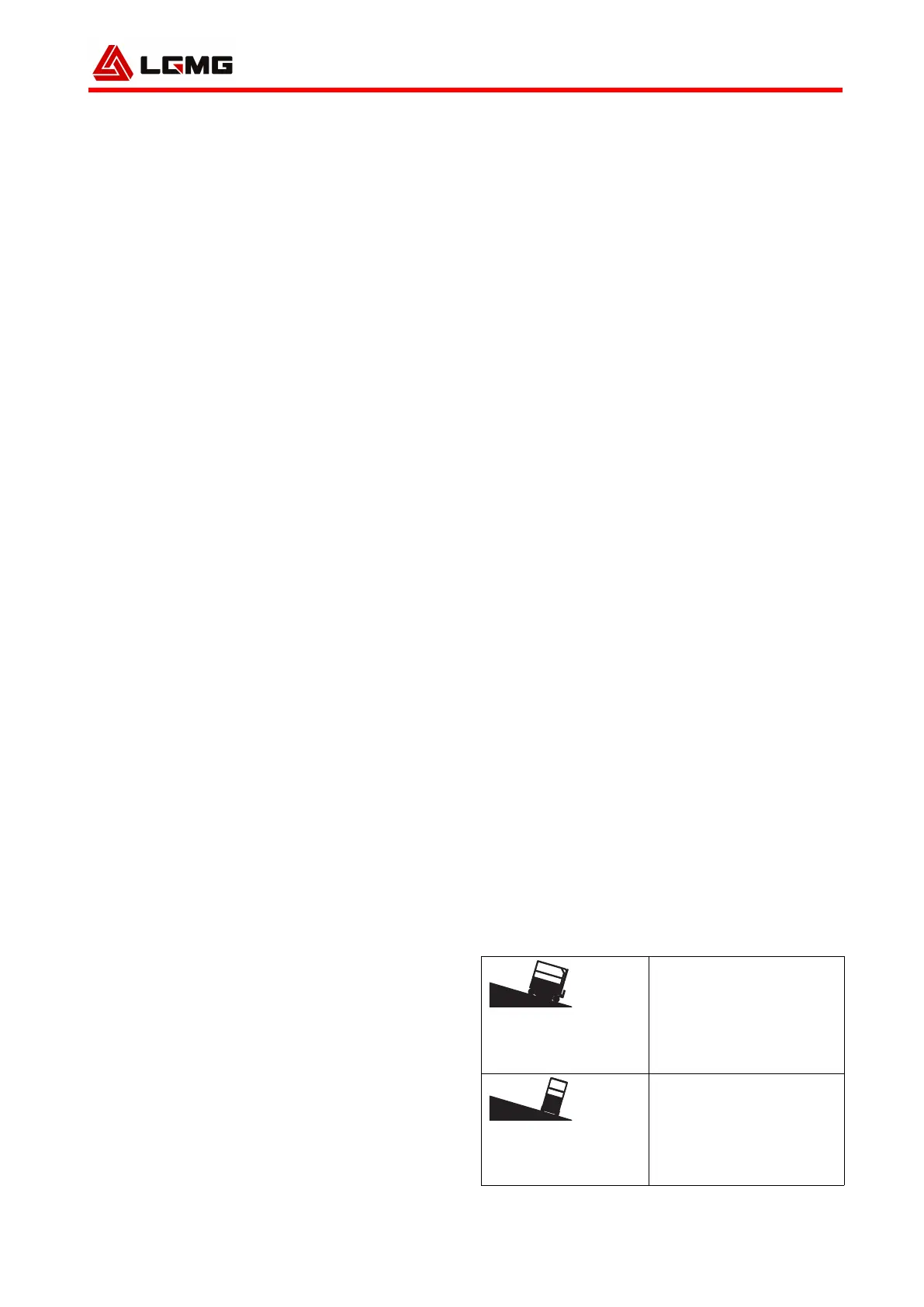
Symbols of machine on the slope: Please
operate it within low speed scope when it is
tilted.
The Indicator is in Red
If the indicator is in red, please press and pull
out the red emergency stop button to reset the
system.
If the lamp is still red, tag out the machine and
stop operating it.
9.7 Drive on Slope
Determine rated value and grade of slope and
side slope of the machine. The rated value of
slope is applicable to the folding machine.
SR1018DD/SR1218D :


 To Next Page