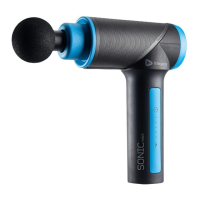
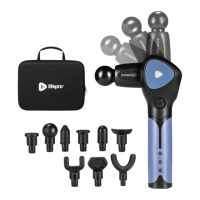
PARTS OF THE DYNAFLEX
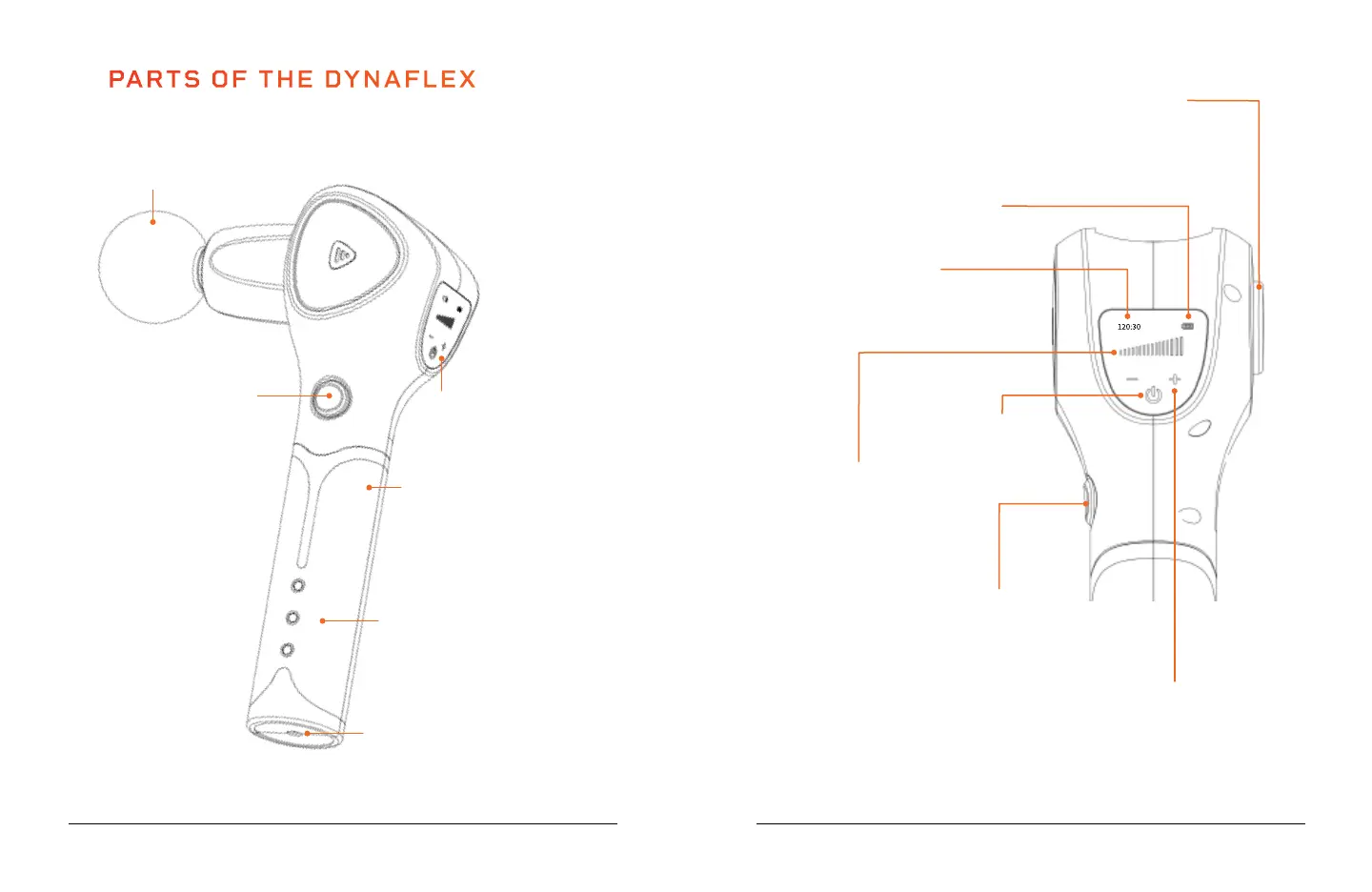
Massage
Attachment
(1 of 10)
Arm Rotation Button
Press and hold while pushing the
massage arm up to rotate. Arm rotates
to 4 angles: 0°, 30°, 60°, and 90°.
Speed +/- Buttons
Tap to increase/decrease speed
one level at a time. Press and hold
the buttons to quickly increase/
decrease speed level.
Massage Timer
Records the current massage time
in MIN:SEC. When the unit powers
off, the massage timer resets.
Battery/Handle
LCD
Screen
Battery Charging
Lights (3)
Charging Port for the
AC Charging Adapter
Battery Release
Button
SoarFX Collection 9 8 DynaFlex User Manual Lifepro
Speed Indicator Lights (16)
Indicate which vibration speed
level is selected (1–16).
Battery Release Button
Press and hold the button
while pulling down on the
battery/handle to remove it.
Battery Indicator Lights (4)
Indicate the current battery level.
Power
Button


 To Next Page