PROBLEM
POSSIBLE
REASON
HOW TO RESOLVE
Treadmill is not
working.
No power.
Plug the power cord into an
electrical outlet.
Power switched off. Flip the Power switch ON.
Magnetic safety key is
not in position.
Place the safety key in place on the
magnetic port on the handlebar.
Treadmill has entered
sleep mode.
Press the Power button to exit
sleep mode.
Short circuit. Contact customer support.
Fuse burned out. Contact customer support.
Remote
control is not
functioning.
Battery is installed
incorrectly in the battery
compartment.
Ensure the battery is inserted
correctly, with the + side of the
battery contacting the + terminal.
Remote control is too
far away from the
infrared receiver
Point the remote at the infrared
receiver on the display panel, from
no more than 4 feet away.
Remote control is dead.
Remove the old battery and replace
it with a new 3V CR2032 battery.
Display panel is
not functioning
Display broken. Contact customer support.
Handlebar
shakes
Locking lever is loose. Push the lever down to tighten it.
Lock knob is loose.
Tighten the locking knob by turning
it clockwise.
Running belt is
not smooth.
Not enough lubrication.
Lubricate the belt with the included
oil. See
LUBRICATING THE
RUNNING BELT
on page 26.
Running belt too tight.
Adjust the belt. See
ADJUSTING
THE RUNNING BELT
on page 28.
Running belt is
skidding.
Running belt too loose.
Adjust the belt. See
ADJUSTING
THE RUNNING BELT
on page 28.
TROUBLESHOOTING & ERROR CODES
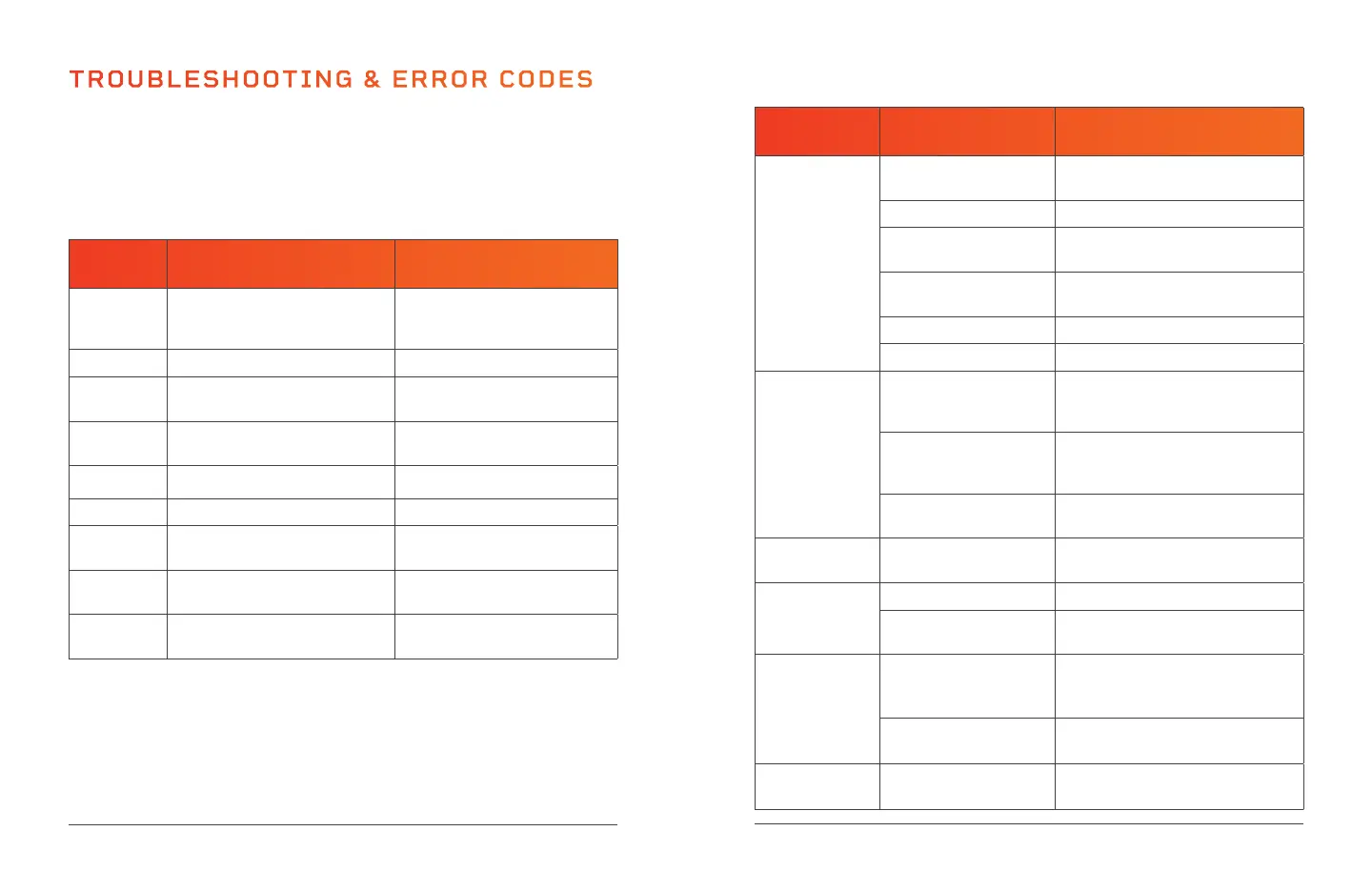
Quickly troubleshoot simple issues you might experience with the
PacerMini Pro using the following tables.
Please contact a customer support representative for additional
assistance when needed at: support@lifeprofitness.com or
(800) 563-6604. Please do not attempt to repair the device.
ERROR
CODE
POSSIBLE REASON HOW TO RESOLVE
- - -
No signal from the magnetic
safety key.
Check that the safety key is in
position on the magnetic port
on the handlebar.
E2 Control board is defective. Contact customer support.
E4
Ground cable or controller is
damaged.
Contact customer support.
E5 Overcurrent protection initiated.
Flip Power switch off and then
on again.
E6 Motor error. Contact customer support.
E7 Communication wire error. Contact customer support.
E8 Overload protection initiated.
Flip Power switch off and then
on again.
E10 Voltage is or was too high.
Flip Power switch off and then
on again.
E11 Voltage is too low, or no voltage.
Flip Power switch off and then
on again.
34 PacerMini Pro User Manual Lifepro Endurance Training Collection 35


 To Next Page