OPERATING INSTRUCTIONS
Please read the operating instructions before using the SonicFX.
Keep this manual for reference.
CHARGING
• You may charge the battery as part of the assembled SonicFX, or charge
it on its own.
• Fully charge your SonicFX for 3 hours before using it for the first time.
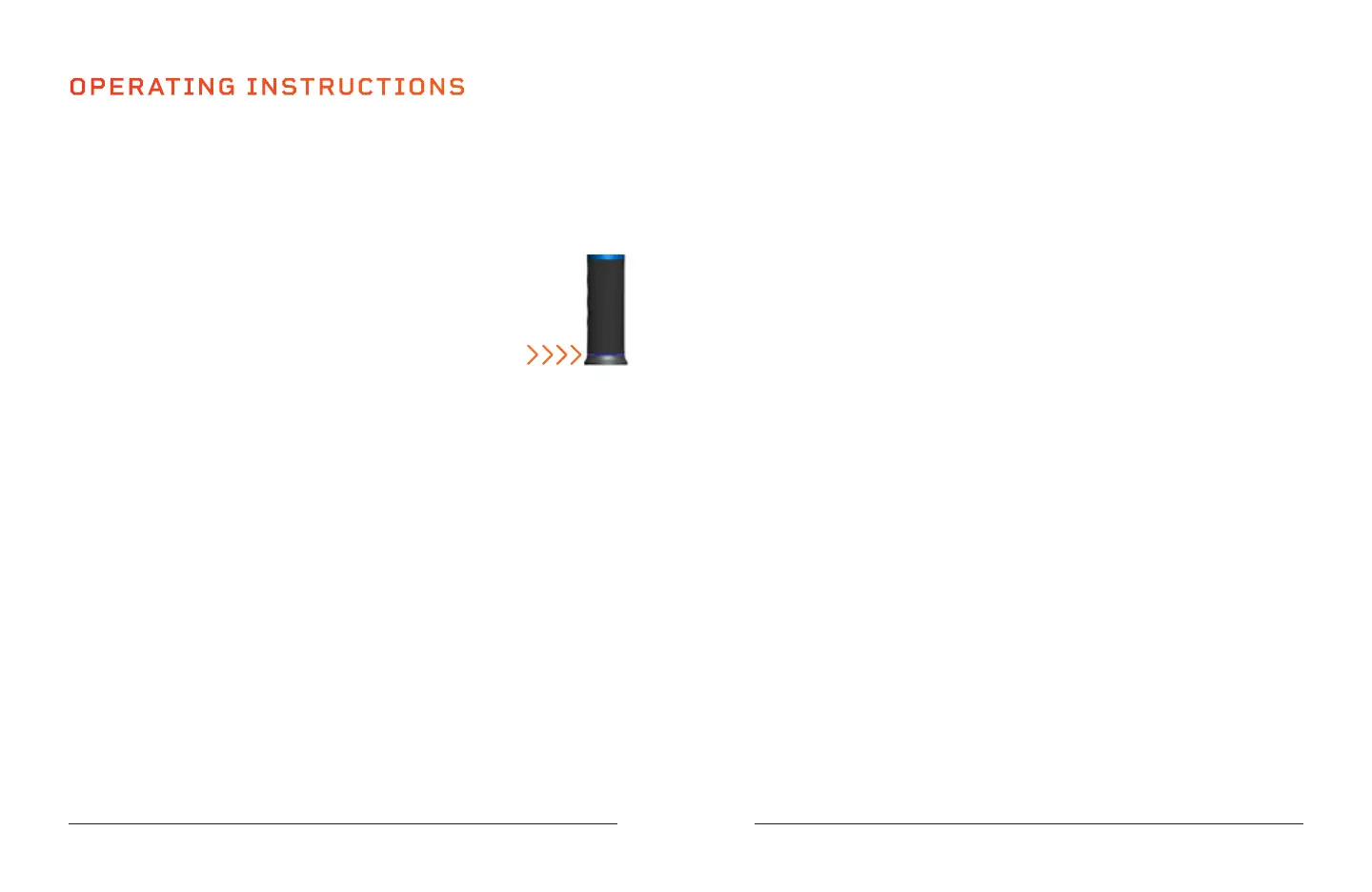
• Full charge is indicated when the Battery Indicator LCD at
the bottom of the battery turns green.
• The Battery Indicator LCD at the bottom of the battery
changes color to show current battery level: 100% battery
is green; 40-99% battery is blue; 10-39% battery is yellow;
0-9% battery is red.
• Average run-time is about 3-5 hours (varies by speed level used).
USING YOUR SONICFX
1. Slide the Power switch at the bottom of the handle to the ON position to
power on the SonicFX.
2. Press the Start/Pause button to begin massaging.
3. Choose a massage mode:
a. Press the Massage Mode button to toggle between the 3 modes:
constant speed, variable speed, and increasing speed.
4. Choose your desired speed level:
a. Press the +/- button to toggle between the 5 vibration speeds.
5. At the desired speed, float the head of the massage attachment along a
muscle group. Apply pressure as needed.
6. The SonicFX will auto-power off after 20 minutes of continuous use. If
you wish to continuing using the SonicFX, allow the unit to rest for 10
minutes, then press the Start/Pause button to restart the unit.
7. Slide the Power switch to the OFF position to power off after each use.
10 SonicFX User Manual Lifepro
REMOVING AND REPLACING A MASSAGE ATTACHMENT
1. Slide the Power switch at bottom of handle to power OFF the SonicFX.
2. Grab the inserted attachment and firmly pull out to remove it.
3. Insert the stem of a new attachment into the unit. Ensure the small
raised notch on the attachment lines up with the cutout on the nozzle of
the the unit.
4. Press the attachment in firmly to secure it.
USING HEATED MASSAGE
1. Power OFF the SonicFX and remove the current massage attachment.
2. Insert the Heated Massage attachment. Ensure the small raised notch
on the attachment lines up with the cutout on the nozzle of the the unit.
NOTE: You can only use Heated Massage with the Heated Massage attachment.
3. Power ON the SonicFX.
4. Press the Heated Massage button and allow the unit to preheat for
about 10 minutes.
5. Press the Start/Pause button to begin massaging.
6. At the desired speed and massage mode, float the head of the Heated
Massage attachment along a muscle group. Apply pressure as needed.
7. If the head of the Heated Massage attachment begins to feel too hot,
press the Heated Massage button to turn off Heated Massage for at
least 3 minutes to allow the attachment to cool down.
CHOOSING A MASSAGE MODE
1. Press the Massage Mode button to choose from 3 available modes:
a. Constant speed mode: the speed does not change during massage.
b. Variable speed mode: the speed increases and decreases in waves.
c. Increasing speed mode: the speed increases at regular intervals.
REMOVING THE BATTERY
1. Press the Battery Release tab on the side of the unit.
2. Grab the battery/handle and firmly pull down to remove the battery.
SoarFX Collection 11


 To Next Page