CHOOSING A MASSAGE PROGRAM
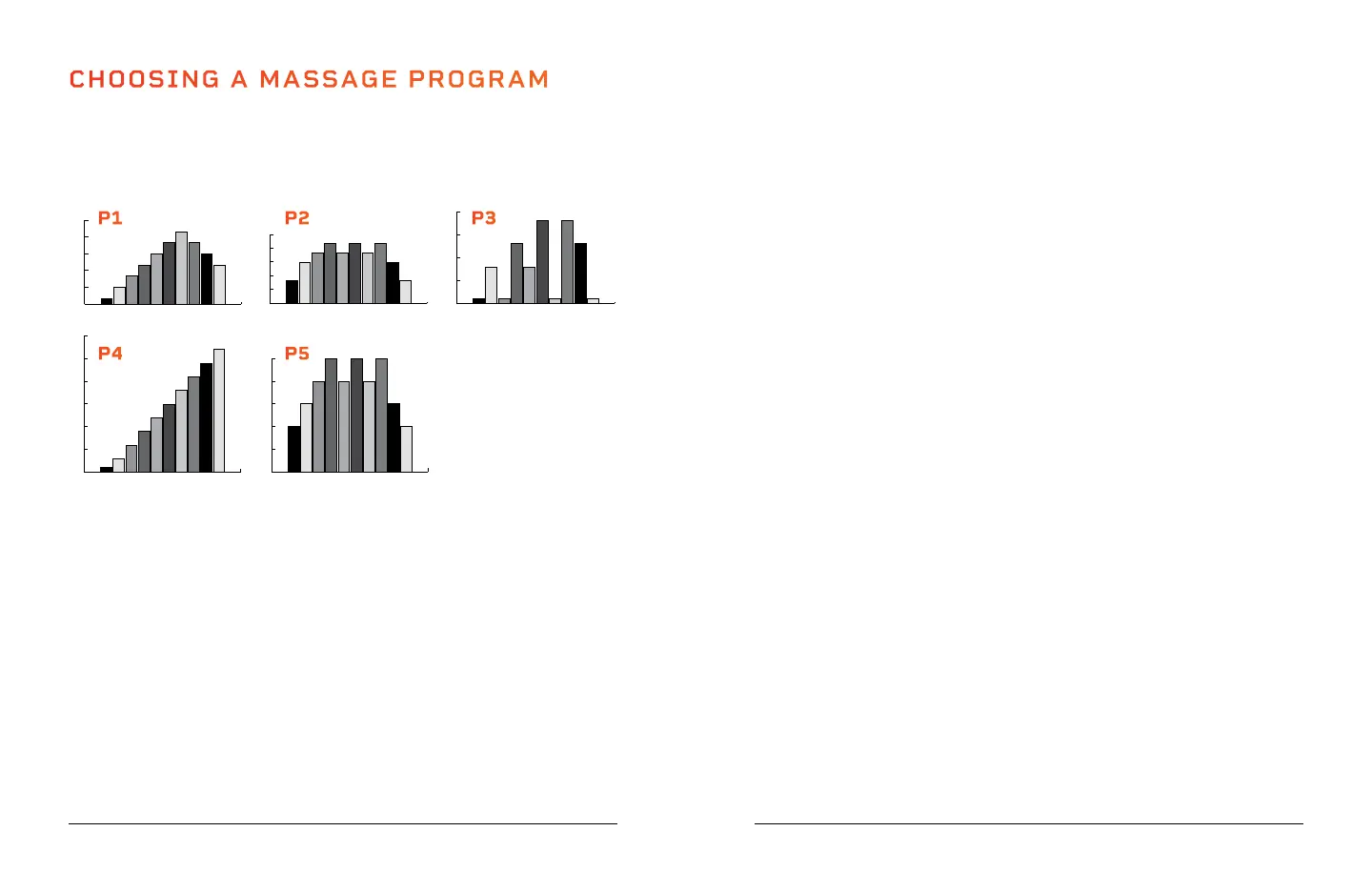
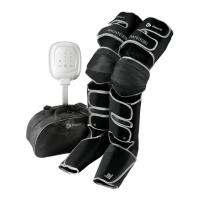
You can select from five preset massage programs, P1–P5, or select the
manual massage program. Each of the five preset massage program is 10
minutes long and uses varying massage speeds, from level 1–30, to soothe
your feet or calves. The preset programs are as follows:
START A PRESET MASSAGE PROGRAM
USING THE CONTROL PANEL
To begin a preset program massage using the control panel:
1. Press the Power button to turn on the control panel. Manual mode
massage is automatically selected (none of the five Preset Program
LEDs on the control panel are lit when manual mode is selected).
2. Press the Program button to toggle through preset massage programs,
P1–P5, to select one. The five Preset Program LEDs indicate which
program is selected.
3. Press the Start/Stop button to begin the selected preset massage.
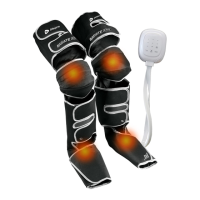
4. Press the Heat button to turn on the heat function, if desired. The Heat
LED is lit when heat is on. Press again to turn off heat.
5. Press the Start/Stop button to stop the massage at any time.
14 VibraCare Plus User Manual Lifepro
Wellness Recovery Collection 15
6. The massage will stop automatically when the 10-minute working time
is complete. The massager will beep three times to alert you that the
preset program is ending.
7. Always flip the power switch to the OFF position and unplug the
VibraCare Plus after each use.
NOTE: Speed and time cannot be adjusted for preset programs.
USING THE REMOTE CONTROL
To begin a preset program massage using the remote control:
1. Press the Power button on the remote control to turn on the control
panel. Manual mode massage is automatically selected (none of the five
Preset Program LEDs on the control panel are lit when manual mode is
selected).
2. Press the Program button on the remote control to toggle through
preset programs, P1–P5, to select one. The five Preset Program LEDs
indicate which program is selected.
3. Press the Start/Stop button on the remote control to begin the selected
preset program massage.
4. Press the Heat button on the remote to turn on the heat function, if
desired. The Heat LED is lit when heat is on. Press again to turn off heat.
5. Press the Mute button to mute the system sounds, if desired. The Mute
LED is lit when system sounds are muted. System sounds are on by
default.
6. Press the Lock button to lock the control panel buttons to avoid
accidental pressing, if desired. The Lock button is lit when buttons are
locked. The control panel buttons are unlocked by default.
7. Press the Start/Stop button to stop the massage at any time.
8. The VibraCare Plus will stop automatically when the 10-minute working
time is complete. The massager will beep three times to alert you that
the massage program is ending.
9. Always flip the power switch to the OFF position and unplug the
VibraCare Plus after each use.
NOTE: Speed and time cannot be adjusted for preset programs.
0
3
6
9
12
15
1 2 3 4 5 6 7 8 9 10 MIN
0
5
10
15
20
25
30
1 2 3 4 5 6 7 8 9 10 MIN
0
3
6
9
0
5
10
15
20
25
1 2 3 4 5 6 7 8 9 10 MIN
0
5
10
15
20
1 2 3 4 5 6 7 8 9 10 MIN
P1 P2 P3
P5P4



 To Next Page