15
CAUTION:
The control solution range printed on the test strip vial
is for OneTouch® Select™ Control Solution only. It is not a
recommended range for your blood glucose level.
CAUTION:
If you continue to get control solution results that fall
outside the range printed on the test strip vial, Do Not use
the meter, the test strip, or the control solution. Contact
customer service at 1800 225544 or 022-30845544.
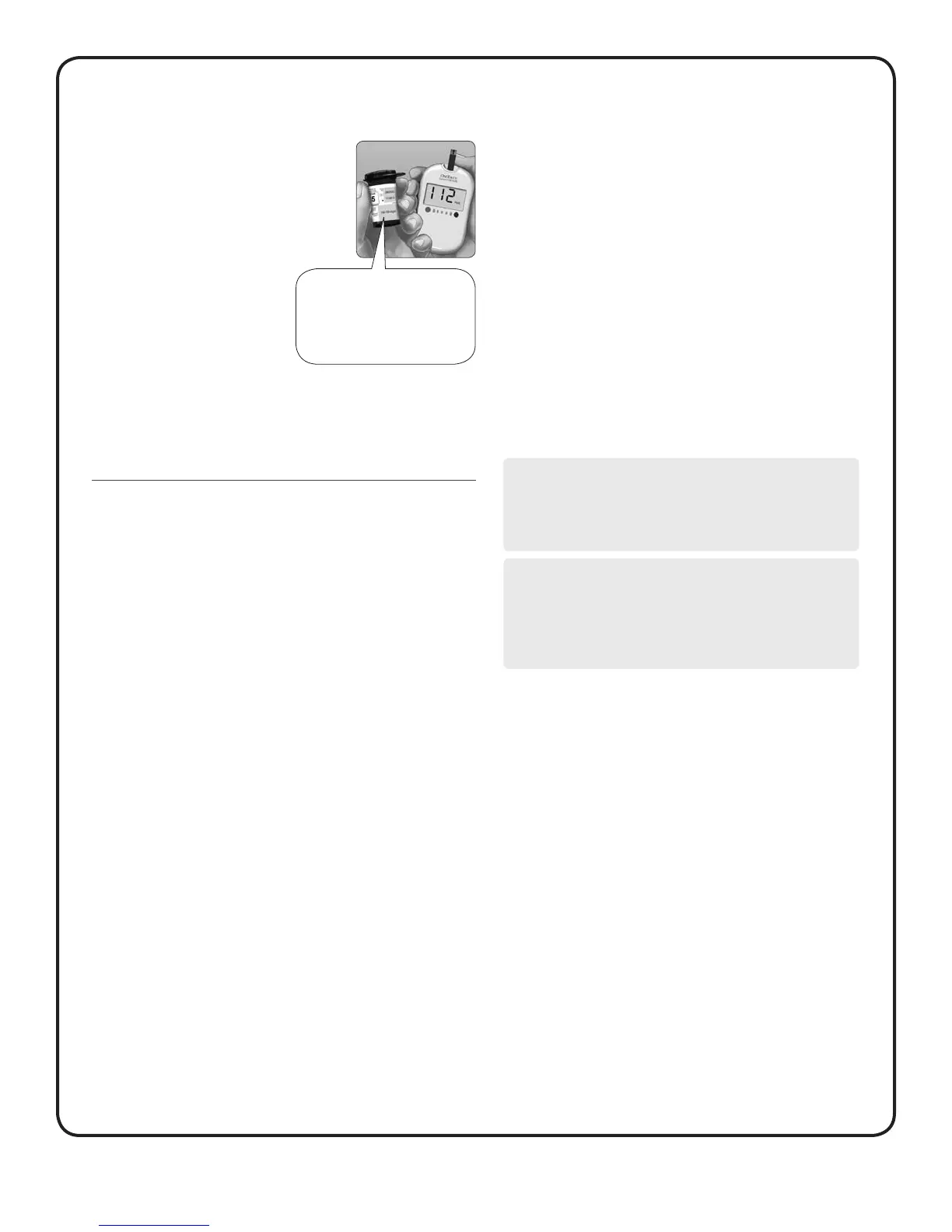
6. Check if the result is
in range
Compare your result to the range on the
test strip vial.
Each vial of test strips has
a OneTouch® Select™ Control
Solution range printed on its label.
Compare the result displayed
on the meter to the OneTouch®
Select™ Control Solution range
printed on the test strip vial
depending on the type of control solution you used.
If the result you get is not within the appropriate range, the meter
and test strips may not be working properly. Repeat the control
solution test.
7. Cleaning
Clean the top of the control solution cap with a clean, damp tissue
or cloth.
OneTouch® Select™
105–158 mg/dL
(Example Range)
Out-of-range results may be due to:
• not following the instructions detailed in steps 1–7,
• expired or contaminated control solution,
• expired or damaged test strip,
• use of a test strip or control solution past its discard date,
• a problem with the meter, or
• control solution test was performed outside the correct
temperature range 20–25°C.
NOTE:
It is important to compare your control solution result with
the correct range printed on the test strip vial or your result
may appear to be out of range.
ImpOrTaNT:
The next time you test, your last test result (which appears
on the display when you insert a test strip) is from a control
solution test, and not a blood glucose test.



 To Next Page