16
D. CARING FOR YOUR SYSTEM
Inserting/replacing the battery
Your OneTouch® SelectSimple™ Meter uses one 3.0 Volt CR
2032 lithium battery (or equivalent). Replacement batteries
can be found in most stores where batteries are sold.
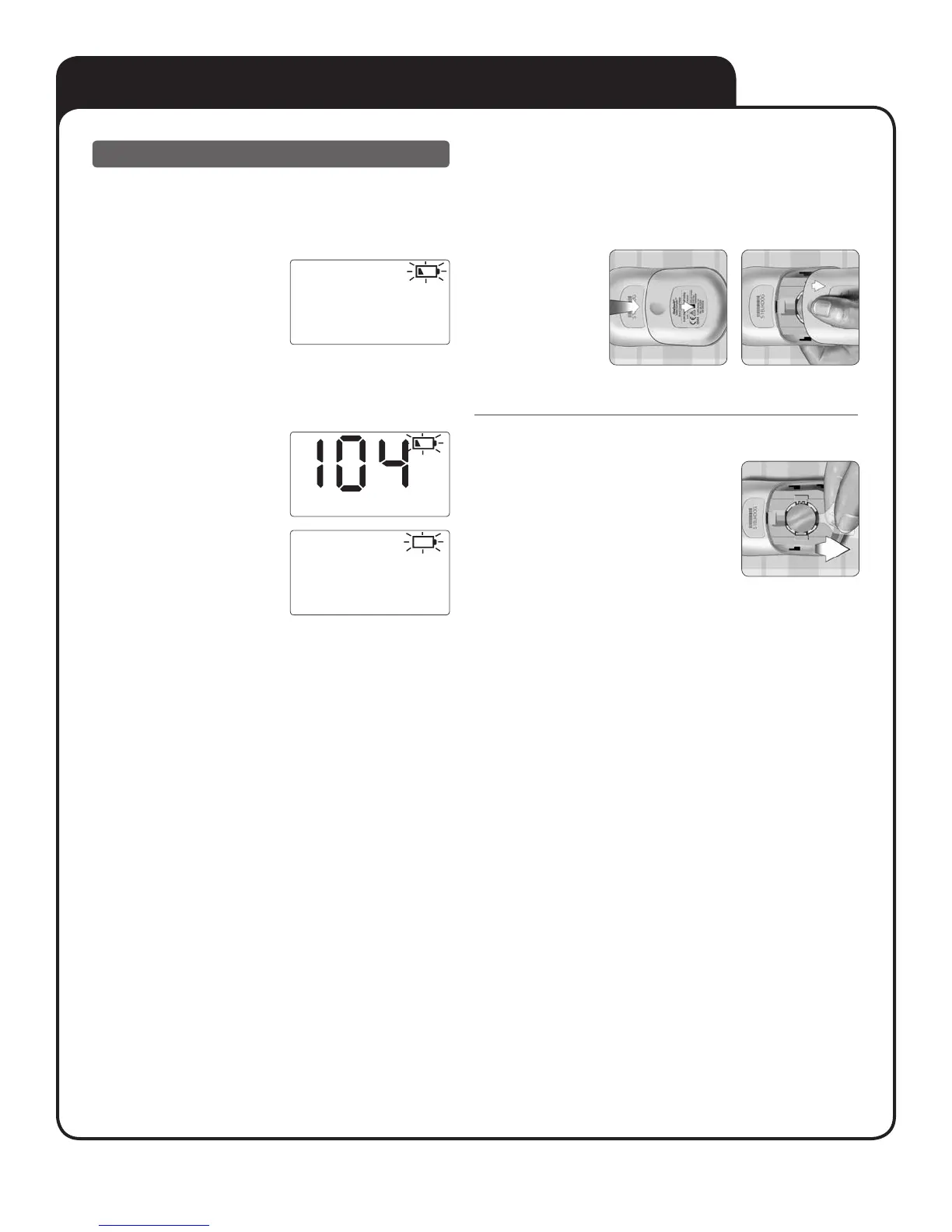
A blinking, partially-filled
battery icon will appear by
itself on the display when
battery power is very low.
There is enough battery power
to complete a few more tests,
but you should replace the
battery as soon as possible.
The icon will continue to blink
on all other screens until you
replace the battery.
A blinking, empty battery
icon will appear by itself on
the display when there is
not enough battery power to
complete a test or view your
last result.
You must replace the battery to continue using the meter.
1. Remove the battery door
Start with the meter off. Place your thumb or forefinger on the
battery door, and push to the side to remove the battery door
from the back of the meter.
2. Remove the old battery
Pull up on the plastic tab.



 To Next Page