AM-HLTMC-OM
Rev AA January 2018
-36-48V US11
Starting a Charge cycle
The charger will start automatically when a battery is connected or push the Stop/Start button if
the battery is already connected.
Delayed Start
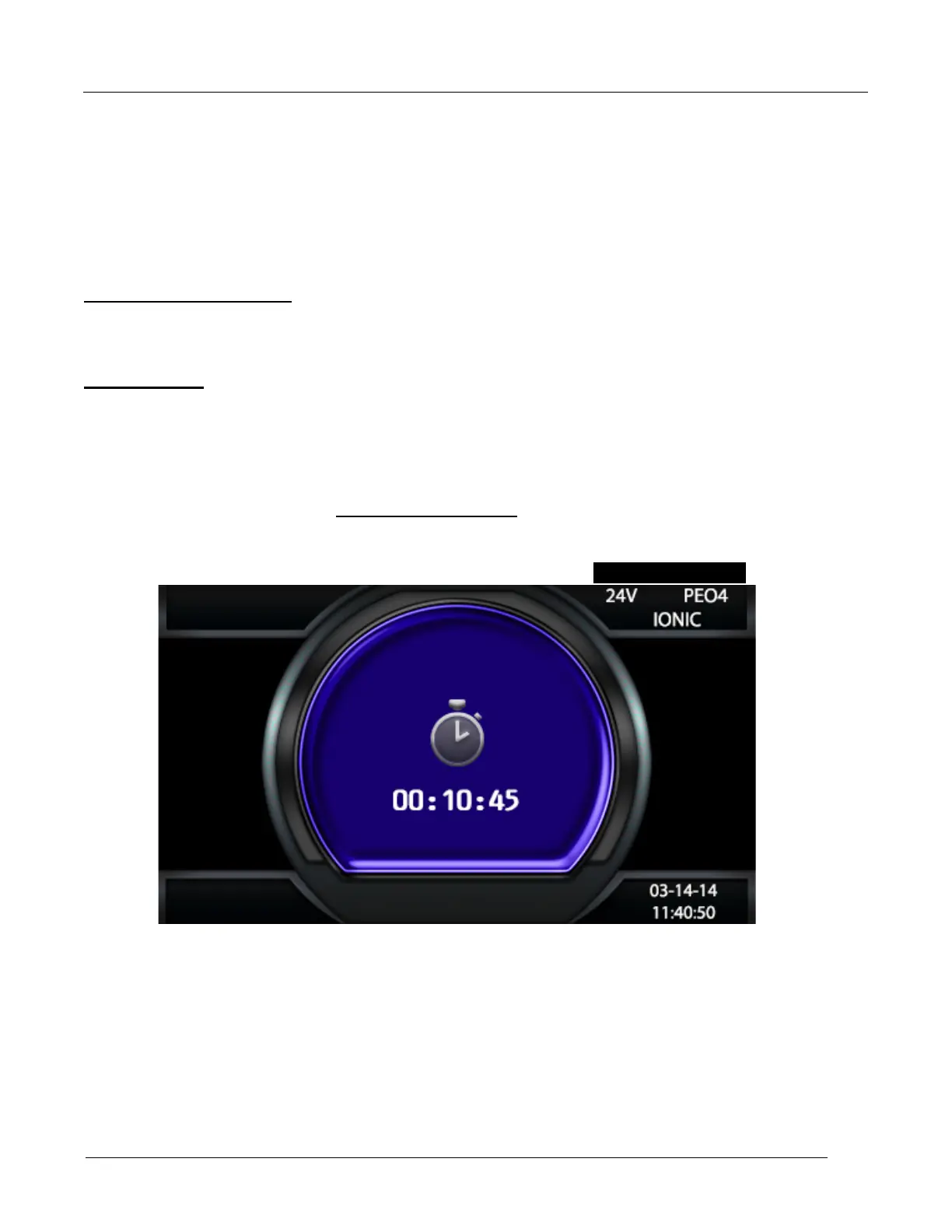
If the charger was programmed for delayed start, charging will begin following that delay. When
the battery is plugged in to the charger, the display shows the time remaining before the
programmed charging starts. 24
Count Down Display
Without a BBWC™
If the BBWC™ adapter is not enabled or no BBWC™ are in range, effective charging
starts after a 20 second countdown. The charger uses Profile, Capacity, and
Temperature settings programmed in the Configuration menu.
With a BBWC™
If a BBWC™ adapter is present and one or more BBWC™ is in range, the charger will
turn on and apply current to the battery. The display will show “SCAN” followed by “LINK”.
This routine determines which BBWC™ in range is one the battery the charger is



 To Next Page