11
14
13
1018623
PK
(2)
Required For This Page:
LB
RB
PK
PK
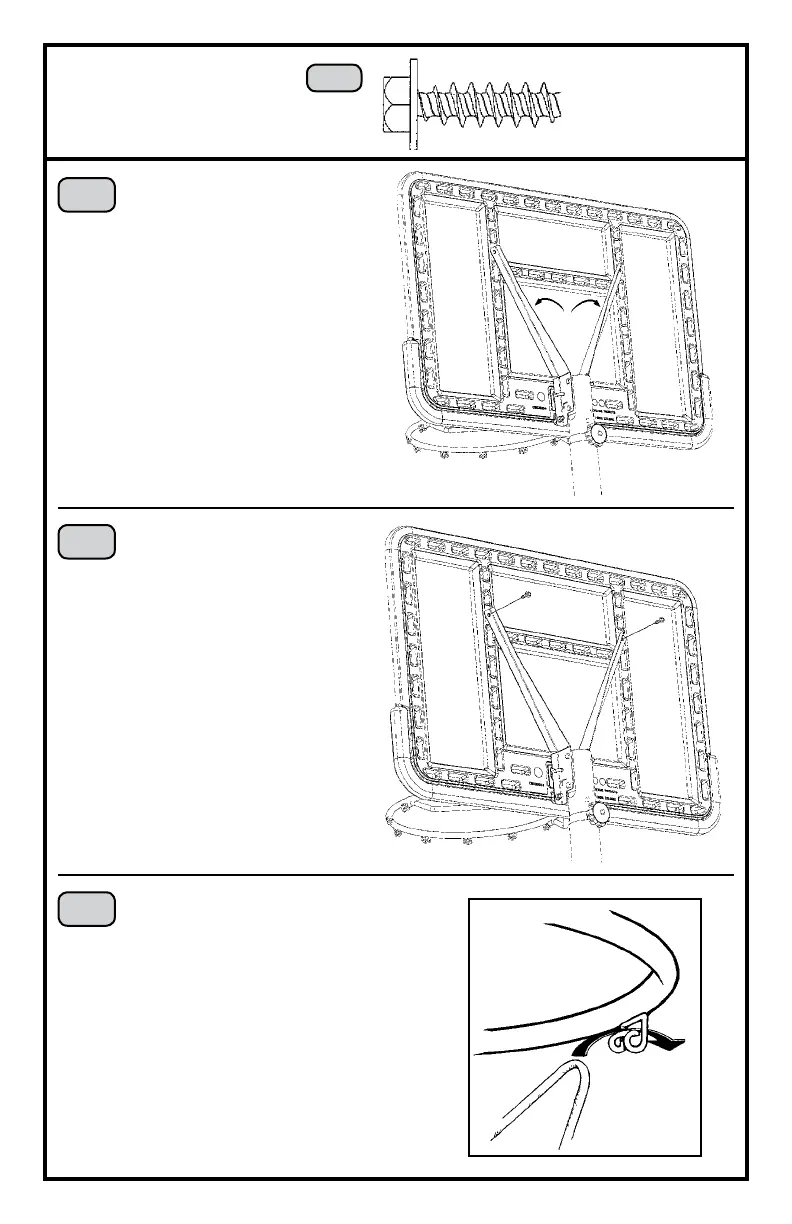
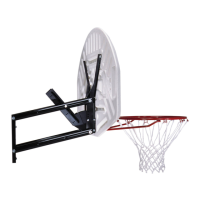
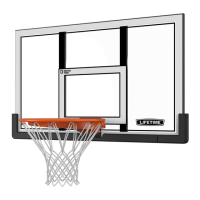
Bend the Backboard
Brackets (LB & RB) out.
Use a 3/8” socket wrench to
insert the Screws (PK) through
the Backboard Brackets and
into the Backboard.
Completely tighten all Rim hardware.
3/8” Socket Wrench
Attach the Net (CA).
Please call our Customer Service
Department at the number
on Page Two for replacement
Nets. Our Nets are shorter than
average to reduce the risk of
entanglement.
CA
15
CK
Do not overtighten the Screws (PK).
Only tighten them a half turn after
the head of the Screw contacts the
Backboard Brackets.


 To Next Page