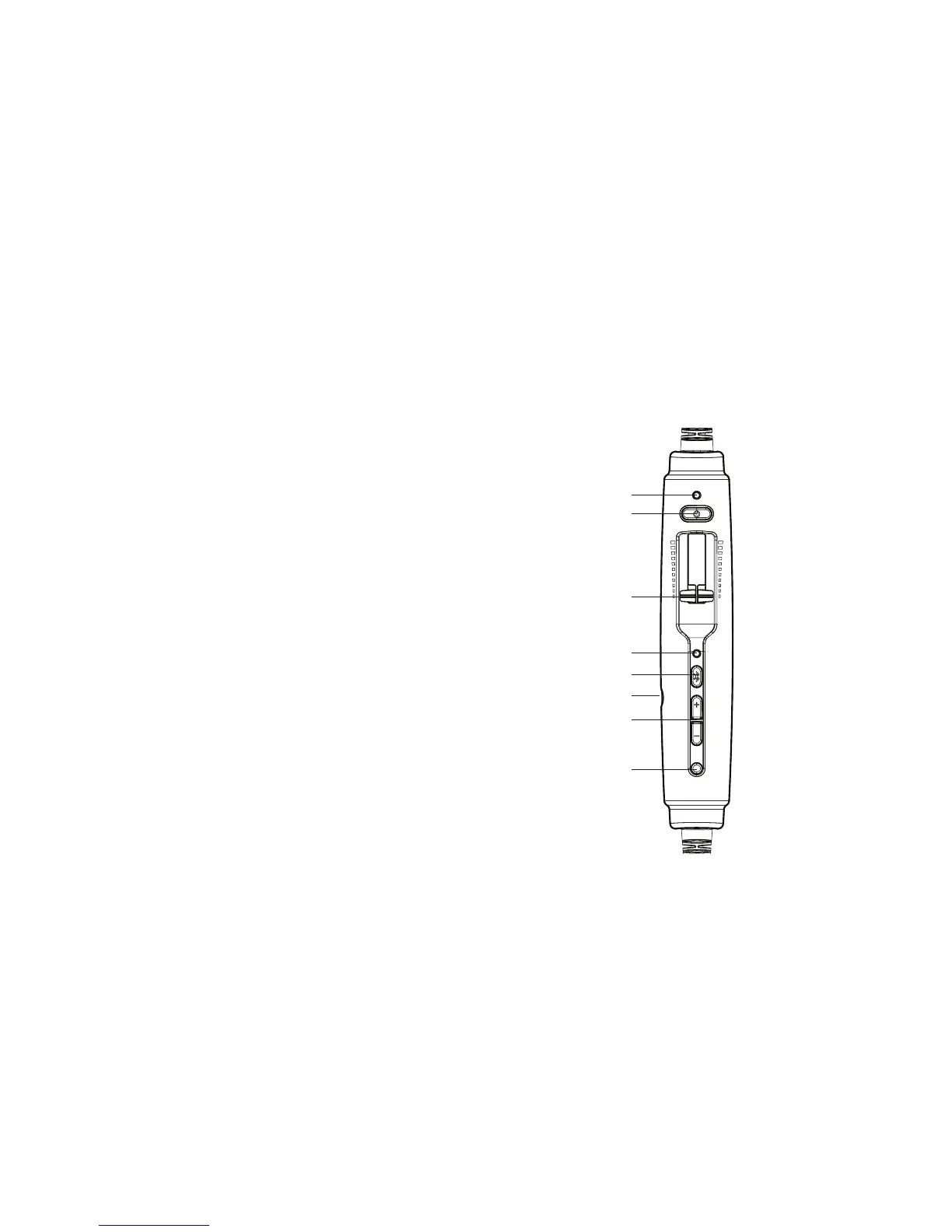
when Bluetooth mode is on and RED when
Bluetooth is being turned o. In pairing
mode,ashesalternatingREDandBLUE.
E. Bluetooth power button: Turns on and o
theBluetoothsignalandcontrolsBluetooth-
connected devices.
F. Auxiliary input jack: Provides a wired input
for audio and cell phone devices.
G. Bluetoothvolumebuttons:Controlsthe
volume of Bluetooth devices.
H. Auto MusicMute button: When enabled,
automatically quiets music and audio from
auxiliary devices during radio communications.
Does not aect cell phone calls.
A
B
C
D
E
F
G
H
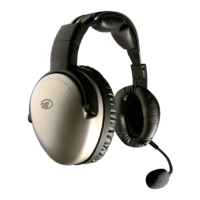
The Zulu controller
7
Getting Started


 To Next Page