9
1. Overview 2. Daily Operation
3. Optional
Accessories
4. Troubleshooting
5. Warranty, Safety
& Specifications
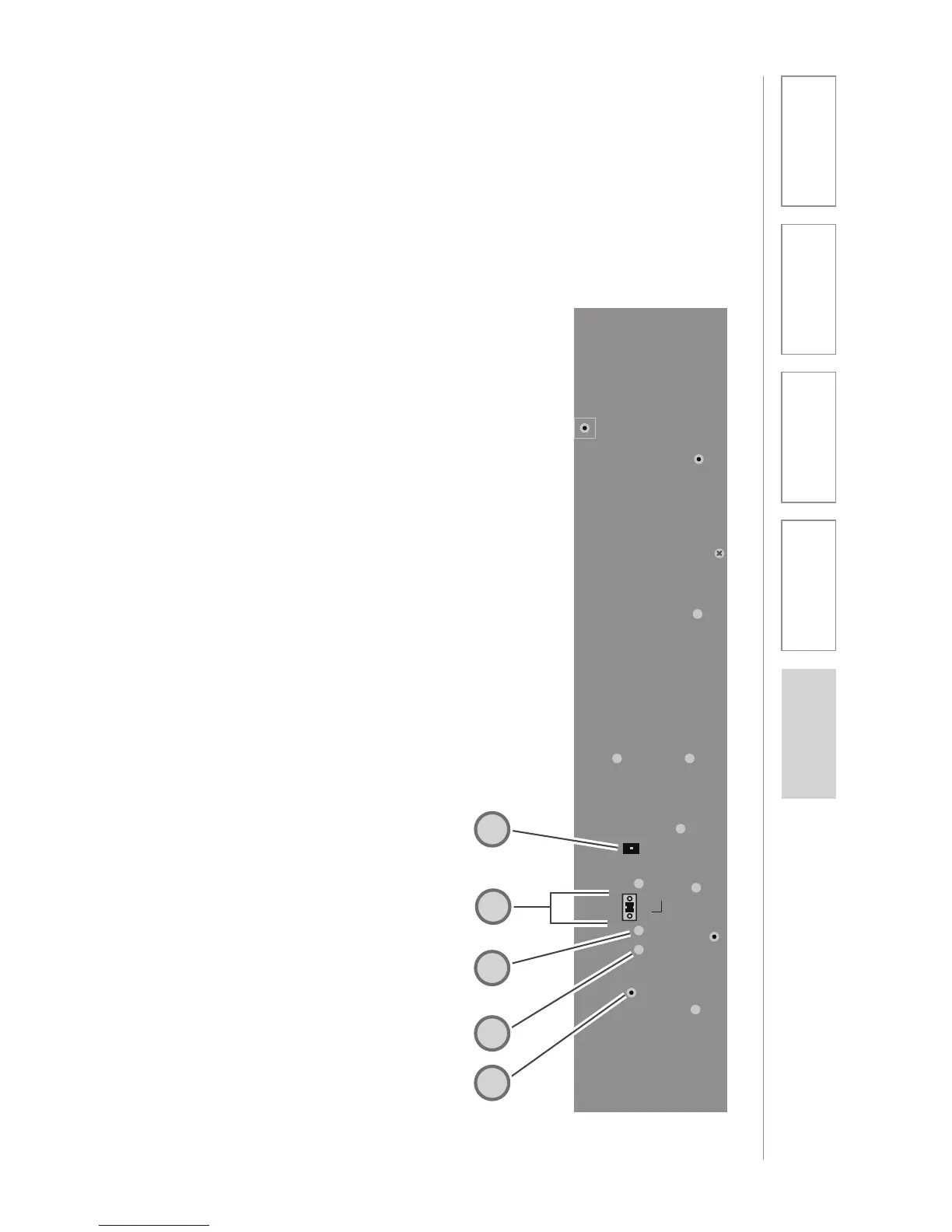
TOPCAT SIDE PANEL CONTROLS AND
CONNECTIONS
1. CH A VOLUME: Controls the
volume level for microphone set
to channel A. It is preset at the
factory to its 11 o’clock position.
Turn clockwise to increase volume
or counter clockwise to decrease
volume.
2. CH B VOLUME: Controls the
volume level for microphone set
to channel B. It is preset at the
factory to its 11 o’clock position.
Turn clockwise to increase volume
or counter clockwise to decrease
volume.
3. AUX POWER INPUT
CONNECTOR (OPTIONAL):
For use during installations where
AC power is not available in the
ceiling. Accepts 24VDC, 2.5A
connector from an external power
supply.
4. PAGEFIRST INPUT AND ADJUST:
Connect the input from optional
PageFirst sensor when interfacing
with the building’s paging system.
Use the ADJ control to adjust the
sensitivity if needed.
5. REGISTRATION BUTTON: This
button is used to synchronize
the TOPCAT with the Media
Connector.
24V 2.5A
Paging
Input
Microphone
Registration
ADJ
CH B CH A
SIDE VIEW
4
3
2
5
1



 To Next Page