22
1. Overview 2. Daily Operation
3. Optional
Accessories
4. Troubleshooting
5. Warranty, Safety
& Specifications
REDMIKE SHARE: INITIAL SET-UP
1. Ensure the TOPCAT is on. The
blue LED on the Media Connector
will glow.
2. Turn on the REDMIKE Share
by sliding the switch to the up
position.
3. Grip the barrel in the center
section. Avoid covering the
infrared emitters just below the
microphone grille. This could
interrupt signal transmission.
4. Use a flat blade screwdriver
to slowly adjust the channel B
volume on the TOPCAT so that
the user can barely hear their
own voice while speaking into the
PAGEFIRST INTERFACE
This optional feature interfaces with an independent classroom paging system.
When the page is broadcast, all audio from the system is muted, ensuring
important and even emergency school-wide messages are never missed.
microphone.
REMEMBER: This equipment is designed to supplement and distribute the user’s
voice so they are able to speak in a conversational tone. Having the volume set
too high will result in feedback and listener fatigue.
(For full installation details, refer to the TOPCAT Installation Guide.)
How it works:
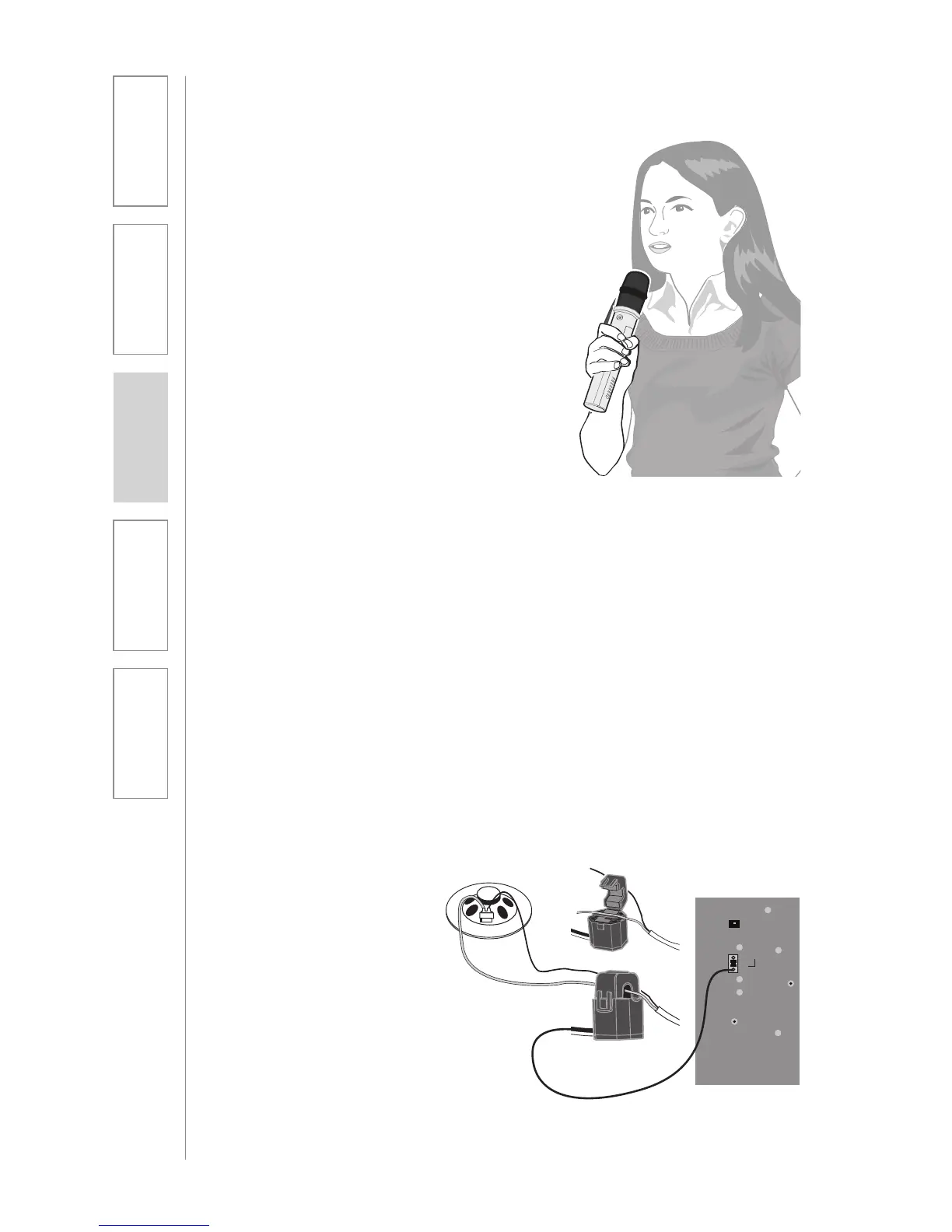
1. PageFirst sensor clip is
hung around the lead wires
attached to the classroom
paging speaker.
2. The clip is connected to the
TOPCAT.
3. As a page is broadcast, the
sensor clip detects the audio
signal through induction
and immediately mutes the
TOPCAT.
4. When the page is over, the
audio from the TOPCAT
returns to normal volume
level.



 To Next Page