When you select: You can:
POI Icons On/Off Select POI icons to be displayed on the map.
Up to three icons can be selected for display
on the map at the same time.
Cancel Route Cancel the active route.
View/Edit Route Access these features when a route is active:
• View route
• Edit destination/waypoints
• Edit turn list
• Detour
• Edit route preferences
• Edit traffic preferences
• Cancel route
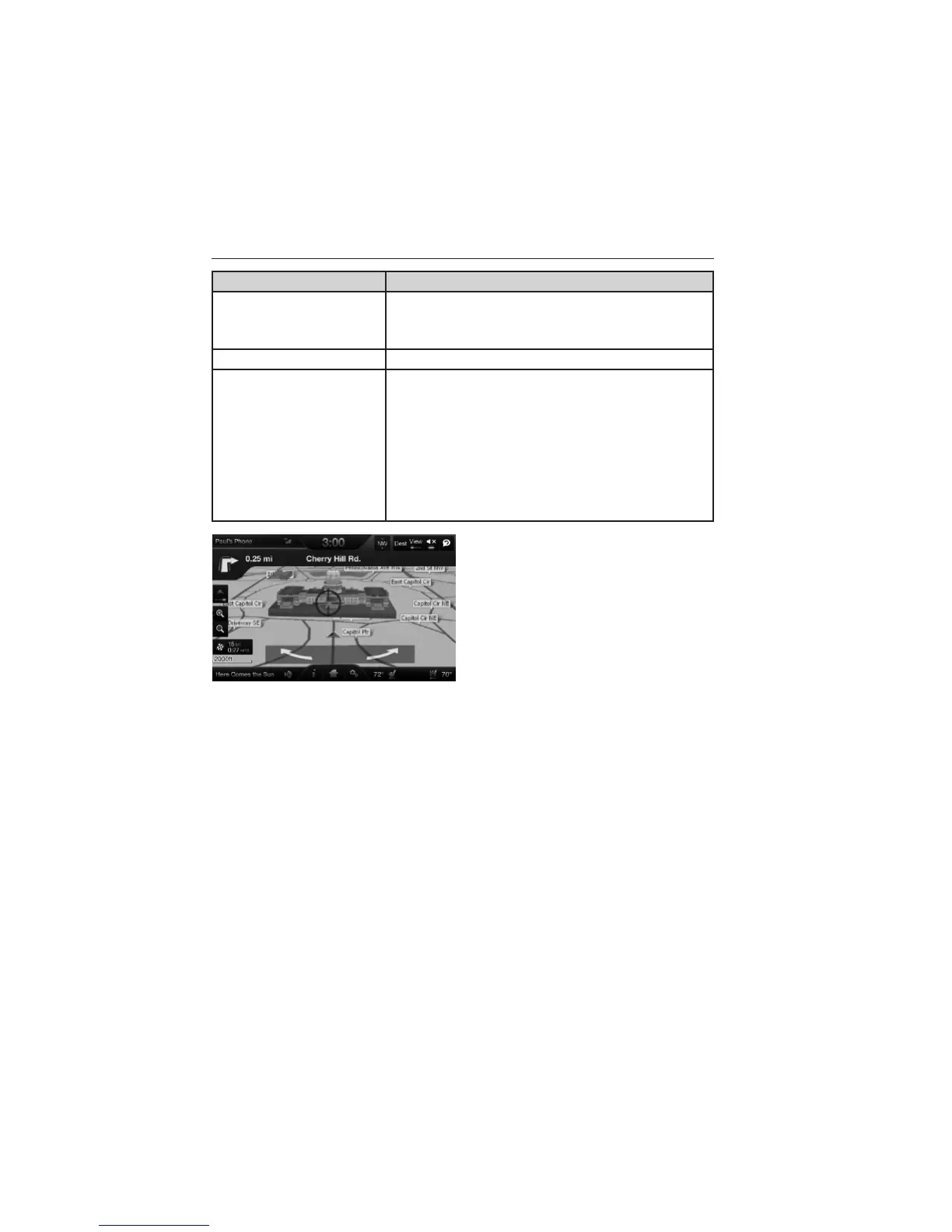
Rotate the map view by swiping
your finger across the shaded bar
with the arrows.
Navteq is the digital map provider for the navigation application. If you
find map data errors, you may report them directly to Navteq by going to
http://mapreporter.navteq.com. Navteq evaluates all reported map errors
and responds with the result of their investigation by e-mail.
Navigation Map Updates
Annual navigation map updates are available for purchase through your
dealership, by calling 1-800-NAVMAPS (in Mexico, call
01–800–557–5539) or going to www.navigation.com/ford. You need to
specify the make and model of your vehicle to determine if there is an
update available.
MyLincoln Touch™ 419
2013 MKX (mkx)
Owners Guide gf, 2nd Printing
USA (fus)



 To Next Page
 Loading...