LIVE SETUPS: CABINET TUNING MODE
4 • 5
CABINET TUNING MODE
Your POD can be tuned for optimal performance with a variety of speaker cabinets
when in Live Mode. By default, your POD expects be plugged into a power
amplifier driving one or more closed-back cabinet(s), and it tailors the Live Mode
sound at its 1/4 inch outputs to work well with the tone that’s typical for these
speaker cabinets. If you want to plug into something else, you’ll want to change the
Cabinet Tuning Mode. To do this, hold the Save button while powering up your
POD. The POD’s display will show a letter for one of the Cabinet Tuning Modes;
press the Up and Down arrows to pick the mode, then press Save.
The Cabinet Tuning Mode you select will be remembered by your POD, so you
don’t have to re-set it every time you power up. If you change it to an odd setting
for a special situation you come across, don’t forget to change it back again to the
setting you normally use once you get back to your standard setup.
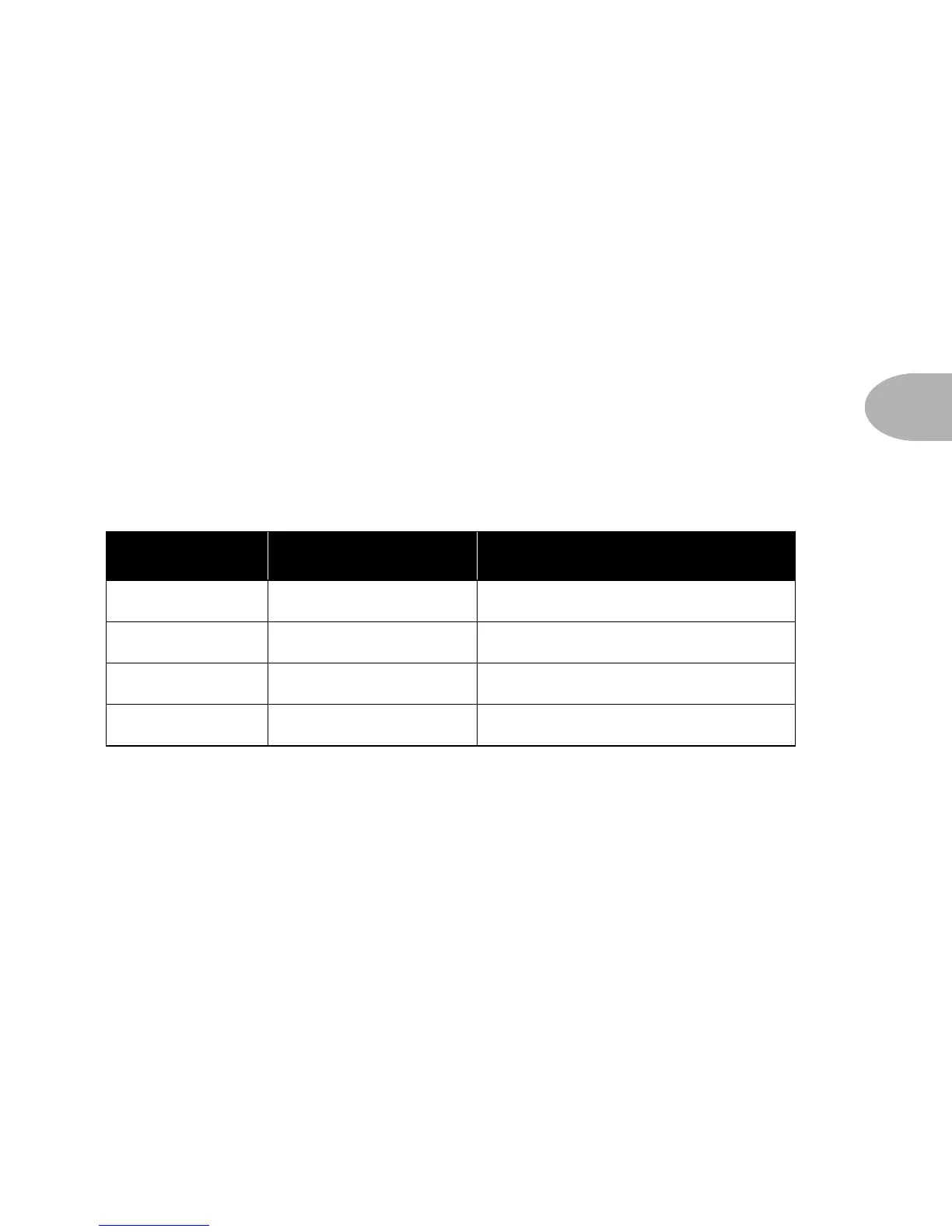
Use Mode... when POD is... & your speaker cabs are...
A (default)
feeding power amp closed back (ideal for 4x12 cab)
B
feeding power amp open back (ideal for 1x12 cab)
C
in front of combo/head open back (ideal for 1x12 or 2x12 cab)
D
in front of combo/head closed back (ideal for 4x12 cab)



 To Next Page