Creating & Storing Sounds • Recalling Channel Memories
4 • 1
CREATING & STORING SOUNDS
This chapter gives you the inside scoop on editing your new PODXT. Here, we’ll take
you through everything from loading and changing sounds to full customization of
POD
XT’s Amp and Effect Models. Even you power users will want to read on and learn
the tips and tricks to the quickest way around for instant tonal satisfaction. You can
also use Line 6 Edit software, downloadable from www.line6.com, to edit your
PODxt, backup your memory, and save a library of sounds on your computer.
Recalling Channel Memories
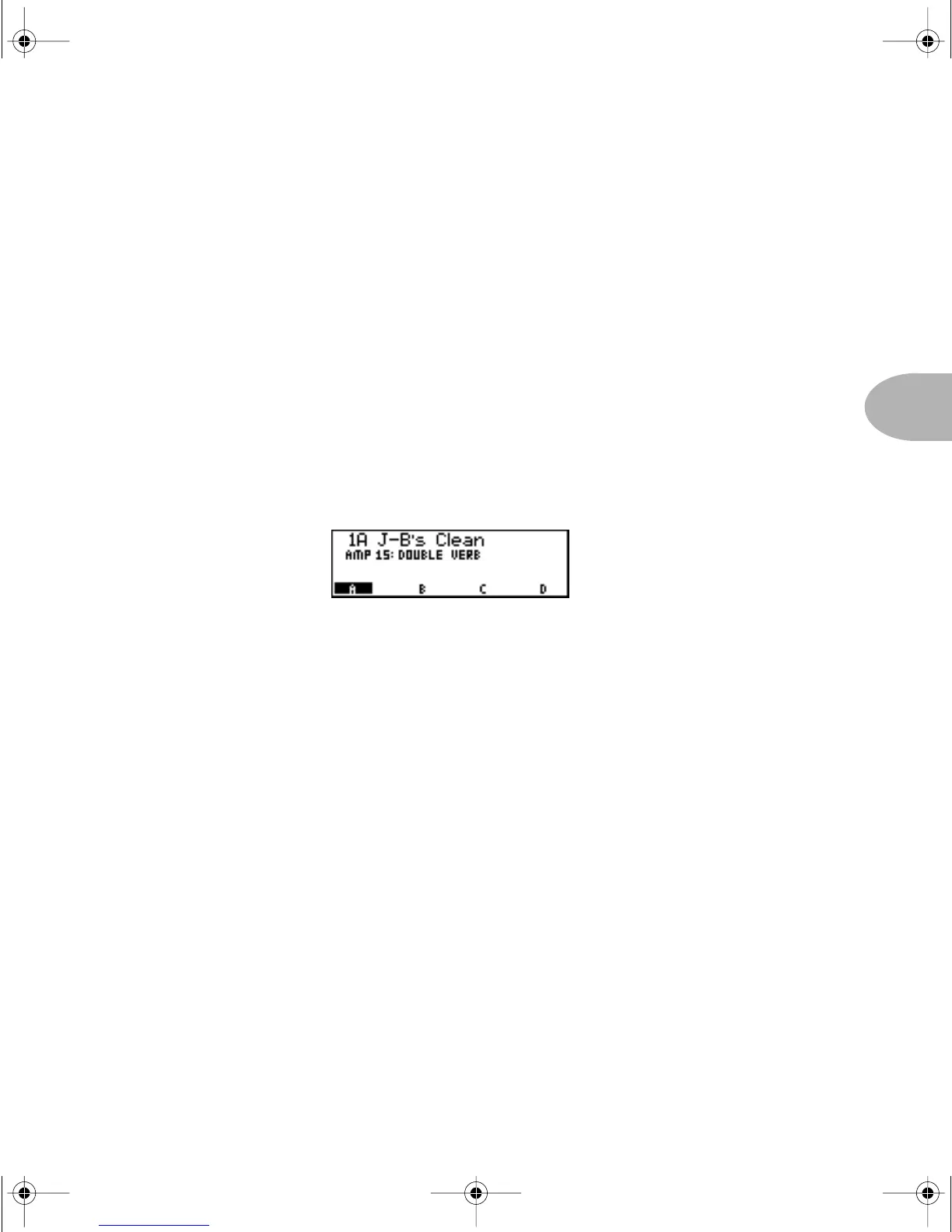
When you first turn your PODXT on, the display will look something like this:
Use the S
ELECT knob to spin through the channels, which are organized into 16
Banks, where each Bank has four Channel Memories: A, B, C, D. (Chapter 8 tells
how to do this and more with your feet to make your guitar-playing hands happy!)
Try spinning that S
ELECT knob to find something you like. Need a bit more bass, or
perhaps lots more drive? No problem! Simply reach up, grab a knob and twiddle away,
my friend. In addition to the tone, volume and R
EVERB knobs, you’ve got those handy
on/off buttons for the effects, plus the smart E
FFECT TWEAK knob that is always ready
to change the most important effects parameter.
Recalling Effect Setups
One of the handier functions of your new PODXT is the ability to create and save
custom Effect Setups. Think of them like pre-wired pedal-boards, or pre programmed
rack gear. Your POD
XT sports 64 of these setups, and they are accessed by turning the
E
FFECTS knob. Give that knob a spin to see the names and hear the sounds of all those
Effect Setups as you turn. Later in this chapter we’ll show you how to save your own
custom Effect Setups for use anytime, anywhere!
PODxt Manual Book RevC.book Page 1 Friday, August 29, 2003 5:43 PM



 To Next Page