5
Hot and cold settings
To change the function of the machine to either hot or cold press the HOT/COLD switch. When it is
switched to hot the set temperature will show on the LCD display. When it is switched to cold, COLD
will show on the LCD display.
Forward and reverse switch
The FWD/REV switch changes the working direction of the motor. When it is switched to forward
the motor will run forward and will show on the LCD display. This function is used for
laminating and encapsulating.
When it is switched to reverse the motor will run backwards and REVERSE will show on the
LCD display. This function is used to remove items fed in incorrectly or by mistake - please note
removed items will not be reusable
Operating instructions
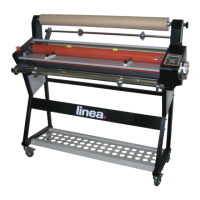
Ensure the laminator is placed on a at, sturdy work surface or on the assembled stand (optional extra). Check the
power voltage for the machine to ensure this meets your own supply. Plug the power cord into the back of the
machine and into your power supply. Contact your supplier if you do not have a power cord with the machine.
Turn on the power switch, the control panel display will
light, this indicates the power is connected.
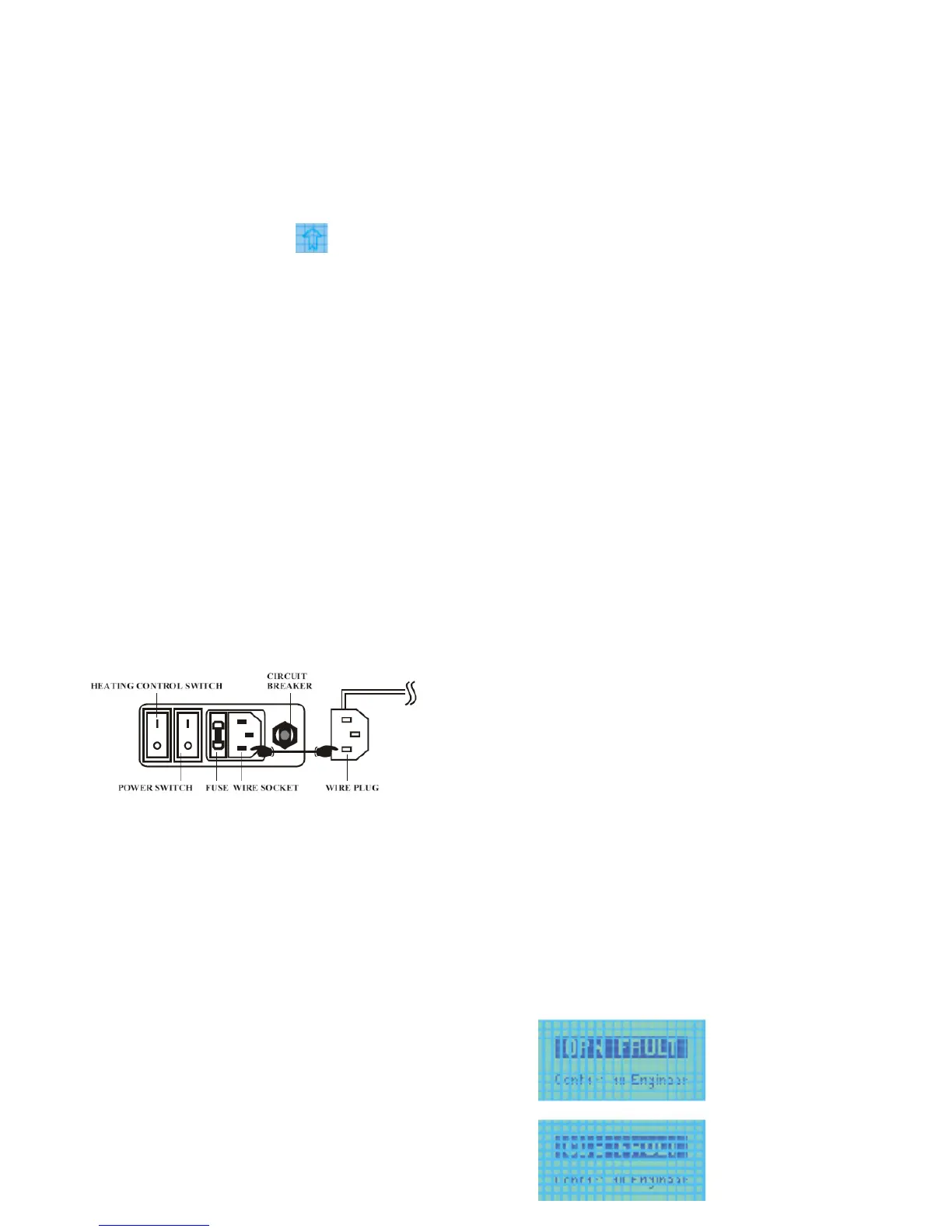
Motor overload circuit breaker
If the machine should jam in a way that the motor could be eected, the circuit breaker will cut o the power
to avoid damage. Once the overload has been cleared, press the circuit breaker button and the motor will start
again. The circuit breaker button is located at the rear of the machine next to the power switch. The button is red
in colour.
Should the LCD display panel show the words OPN fault or CLS
fault, there maybe a problem with your machine. In this instance,
turn o the power and call an engineer.
Familiarise yourself with the control panel before commencing
operation of the machine.
Run and stop switch
The RUN/STOP switch enables you to start and stop the motor. When it is switched to RUN the
machine rollers will turn in the direction of the motor drive. If either the feed tray or guard are not
in place, the machine will not drive, however, by pressing the load button the rollers will operate
while the button is pressed to enable the lm to be fed into the machine.
Screen messages


 To Next Page