9
Cleaning and maintenance of your machine
The most expensive part of a laminator is usually the rollers, if these become
damaged they are costly to repair. Always ensure you look after the rollers and
clean them regularly to avoid a build up of glue (see advice below). Never hold
a sharp object such as a knife close to the rollers in case of catching the rubber
as this could cause permanent damage that will effect the result of your work.
When your laminator is cooling down, always separate the rollers using the roller
pressure knob, this will ensure that your rollers do not touch when still hot as
this could leave a ‘at spot’.
Cleaning the rollers
It is easier to remove adhesive from the rollers when they are warm, do not
attempt this if the machine is hot (above 40
o
C). For easy access, remove the
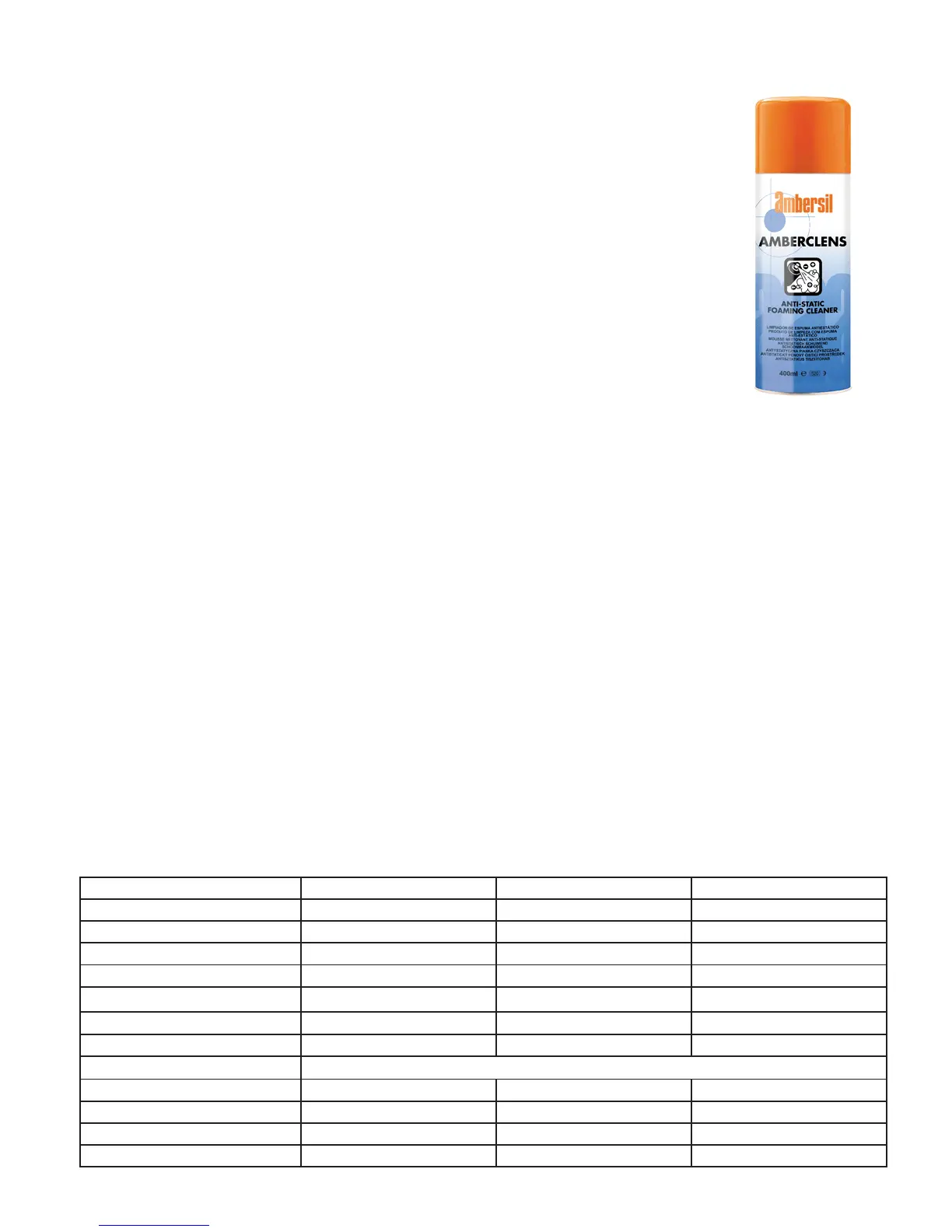
safety shield and feed tray. Always use a clean cloth and a mild anti-static foam
cleaner such as Amberclens by Ambersil or similar, do not use a heavy duty
solvent or anything abrasive.
If the lm becomes jammed in the machine in any way and there is a large build
up of adhesive, do not try and remove this yourself, contact your supplier for
advice.
Troubleshooting
My laminator has no power
Make sure that the electrical outlet being used is not damaged and that it is supplying power. Ensure the power cord
is rmly tted in the back of the machine and not straining in any way. If all of this seems correct, there are three
fuses to check, one is located next to the power switch, the other two are located underneath the laminator.
Contact your supplier if none of these solutions resolve the problem.
My lamination is coming out cloudy
This means that the temperature is not hot enough, try and increase by 5
o
C and wait until the laminator has reached
the new temperature before putting through another print.
My lamination has come out wrinkled/creased
This means that the temperature is too hot. You should also put a test document through rst to avoid ruining your
work. Reduce the temperature by 5
o
C and wait until the laminator has cooled before trying again.
The lm is wrapping around the rollers when I try to laminate
The lm may be threaded incorrectly, refer to the threading diagram on page 6 or 8 (depending on if you are doing
single sided or encapsulating. The adhesive side of the lm may be facing the roller. Stop the operation, wait until
the laminator has cooled down and thread the lm again in the correct manner.
Specication chart
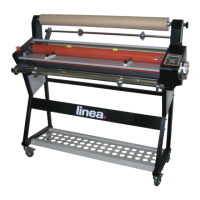
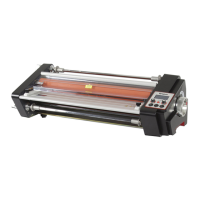
MODEL DH-360 DH-460 DH-650
MAX LAMINATING WIDTH 340mm 460mm 650mm
MAX LAMINATING THICKNESS 5mm 5mm 5mm
MAX LAMINATING TEMPERATURE 140
o
C 140
o
C 140
o
C
MAX LAMINATING SPEED 1.4m/min 1.4m metres/minute 1.4 metres/minute
RECOMMENDED FILM BOSS lm, up to 250 micron BOSS lm, up to 250 micron BOSS lm, up to 250 micron
DIAMETER OF HEATING ROLLER 44mm 55mm 55mm
DIAMETER OF PULL ROLLER 30mm 45mm 45mm
POWER SUPPLY 100, 110, 220-240V, 50, 60Hz
POWER 700W 950W 1600W
DIMENSIONS 620 x 420 x 310mm 720 x 520 x 400mm 910 x 520 x 400mm
WEIGHT 30kg 45kg 58kg
STAND N/A N/A Optional Extra


 To Next Page