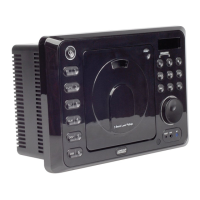
Button Locations and Functions
3
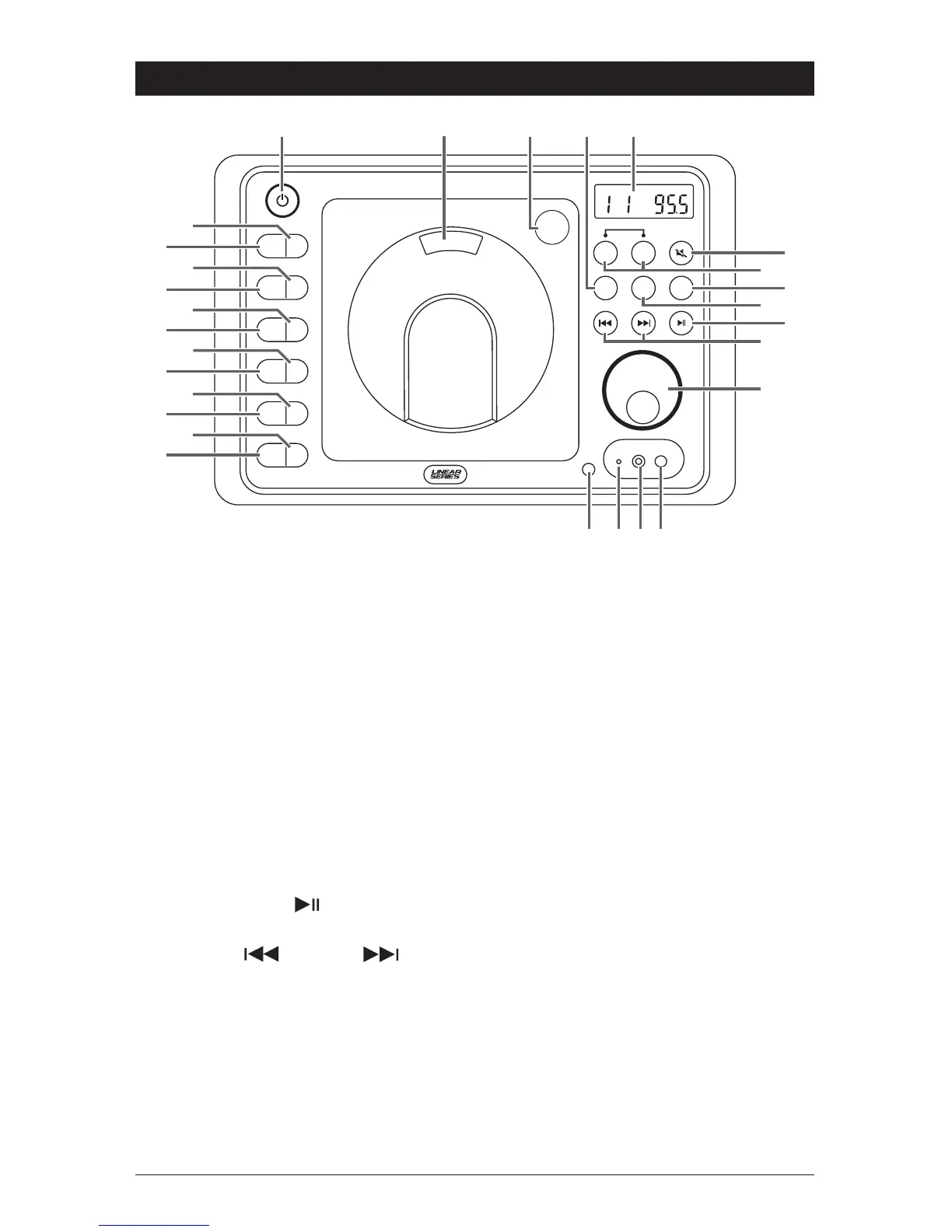
1. Power On/Off: Press to turn the unit on or off.
2. Disc Door: To play a disc, insert the disc with label facing forward.
3. Disc Door Release: Press to open the door so the disc can be inserted.
4.
BT/AX:
Press BT/AX to choose between AUX audio input and BT.
Note:
Rear AUX and front AUX are shared. When front AUX is in use, rear AUX will be off.
5.
Display Area: This area displays all function information for the radio, clock, disc player
and auxiliary input devices.
6. Mute Button: Press to mute the audio, press again to restore the audio.
7. Speaker Selection Buttons: Press to switch the speakers sets A and B on and off.
8. Disc Button: Press to select the movie or music player mode.
9. Radio Button (AM/FM): Press to select the radio mode. Sequential presses
will select radio band: FM 1, FM 2, FM 3, AM 1 and AM 2.
10. Play/Pause Button ( ): Press to pause disc play, press again to resume play.
BT Mode: Press to pause track, press again to resume.
11. Seek Down ( ), Seek Up ( ) Buttons:
Radio Mode: Press to tune the radio to a lower or higher radio station.
Disc Mode: Press to search for the beginning or next track or chapter.
BT Mode: Press to search for the beginning of previous track or next track.
12. Volume and Select Button: Rotate to increase or decrease the volume level.
Press to select the sound controls: Bass, Treble and Balance.
13. BT Indicator Light: Visual status of connected BT device.
14. Audio Input Jack: Press the BT/AX button until “Audio” appears in the
display then plug in a device via the 3.5mm audio/video input socket.
EQ
1
AS/PS
2
SLP
3
ALM
4
DISP
5
DIM
6
PUSH
3-Beam Laser Pickup
A B
AM/FM
DISC
SPEAKER
SPK
FM
ST
RESET
®
1


 To Next Page
 Loading...