Speech-Generating Device User Guide | 47
Troubleshooting
Device Won’t Turn On
When the device is on battery power and the battery
runs out, the device will be unresponsive. If pressing the
Power button does not turn it on, connect the device
to the charging cable and charge for at least one hour.
If the device does not start after charging, please call
Lingraphica Technical Support.
No Voice on AllTalk
Make sure the computer volume is turned up. Locate
the volume controls on your keyboard.
F1: No sound
F2: Decrease sound
F3: Increase sound
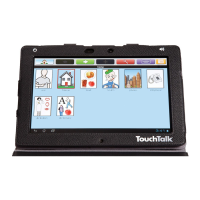
No Voice on TouchTalk
1. Make sure the TouchTalk volume is turned up: The
volume control is either located in the upper right
corner or on the left side next to the . Press the
volume button to increase the sound.
2. Restart the tablet by holding down the volume down
button and the power button for 10-15 seconds until
the device turns off. Release the buttons as it goes off
and it will automatically start back into the program.
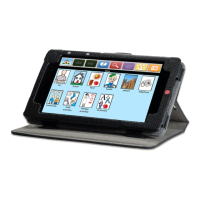
No Voice on MiniTalk
1. Make sure the MiniTalk volume is turned up: The
volume control is located in the upper left-hand
corner of the device, above . Press the left side
of the button to increase the sound.
2. Restart the tablet by holding down the volume down
button and the power button for 10-15 seconds until
the device turns off. Release the buttons as it goes off
and it will automatically start back into the program.
No Text Below Icon
Make sure Text is turned ON: Touch the Menu button,
and then touch Settings. Then touch Icon and Text
Options. There should be a check mark next to either
Show 1 Line of Text, Show 2 Lines of Text, Show 3 Lines of
Tex t , or Show 4 Lines of Text. If there is not, touch either
of those boxes to add one. The AllTalk has the option to
show all text.


 To Next Page