Speech-Generating Device User Guide | 16
Icons Can Have Pages Behind Them
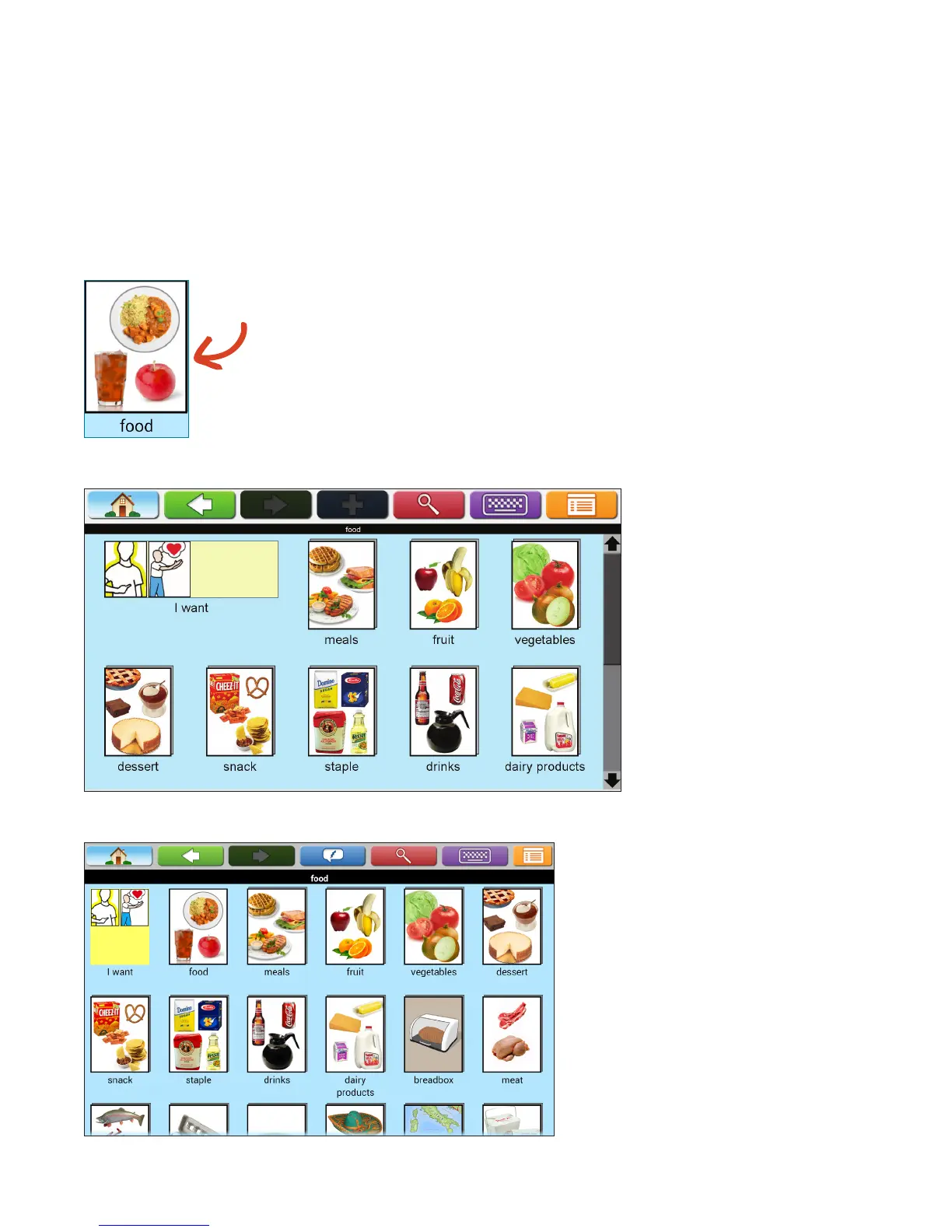
If the icon has a three-dimensional appearance, then there are additional icons within the page containing more
icons in the same category. When the TouchTalk/MiniTalk are set on custom navigation mode with one-touch
navigation off, you will need to touch the green arrow to enter a page icon. If not, follow the directions below.
1. Touch an icon.
2. This page will open on the AllTalk.
This page will open on a TouchTalk/MiniTalk.
Three-dimensional
appearance


 To Next Page