Speech-Generating Device User Guide | 7
Input Devices
Lingraphica speech-generating devices are compatible with numerous external input devices, for example,
mice, external keyboards, styli, and exclusively on the AllTalk, Lingraphica EyeGaze* technology. Technical
support is available to help you connect an external input device to your Lingraphica speech-generating device.
Sleep Mode
After five minutes of inactivity, the device will go to “sleep.” Press the Space bar on the AllTalk to wake up
the device and press the Power button on the TouchTalk and MiniTalk to wake up the device. You may put the
device to sleep at any time by briefly pressing the Power button.
Running on Battery
The device has a built-in battery and can run for hours when not plugged in, making it easy to take your device
wherever you go. When the charging cable is pulled out, the battery takes over automatically. When the
charging cable is reinserted and plugged into an outlet, the battery automatically charges. If the battery runs
out, simply plug in the device to recharge.
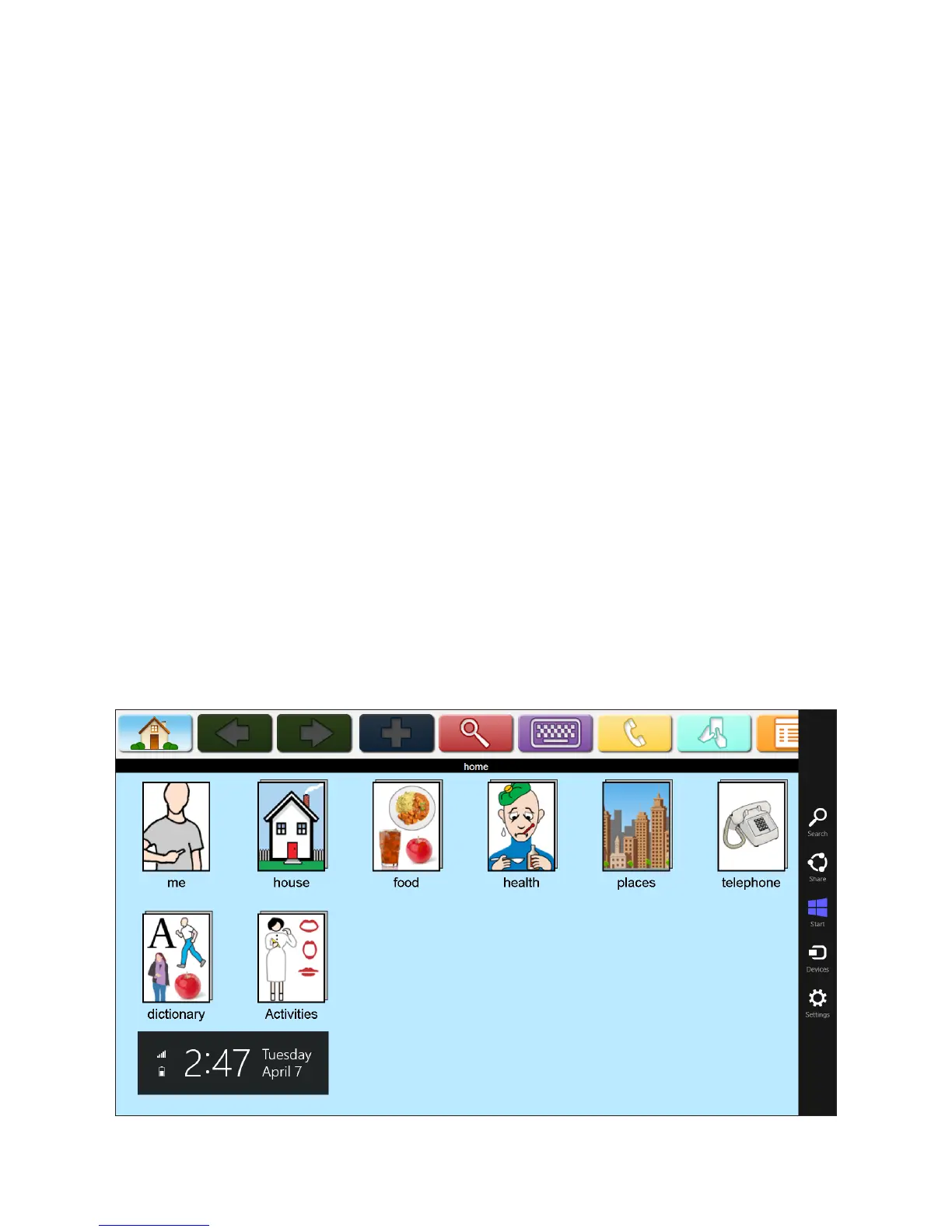
Checking the Battery Level on AllTalk
Place your finger in right side border of the screen. Swipe your finger to the left while keeping contact with the
screen. The Battery level will be shown in the lower left.
*Lingraphica EyeGaze technology is powered by VI myGaze and SensoMotoric Instruments


 To Next Page