Troubleshooting
1. No Power
Ensure the power is on.
Ensure you use the power adapter provided in the package.
2. No Picture or Video Flash
Ensure all devices are on, and all cables are qualified and
connected properly. Ensure all the cables’ length are within the
maximum distance (refer to Specification table).
Ensure all the LED indicators are normal.
When connecting source to display directly, ensure them can work
properly.
Ensure the input resolution is supported by the device.
Ensure the input resolution is within 4K@30Hz when Dolby vision
signal is input.
3. Weak or Not Working IR Signal
Ensure the devices support IR control (not Bluetooth/WIFI).
Ensure you use the IR cables provided in the package, and install
them correctly according to the Application Diagram.
Pay attention to the control angle and distance.
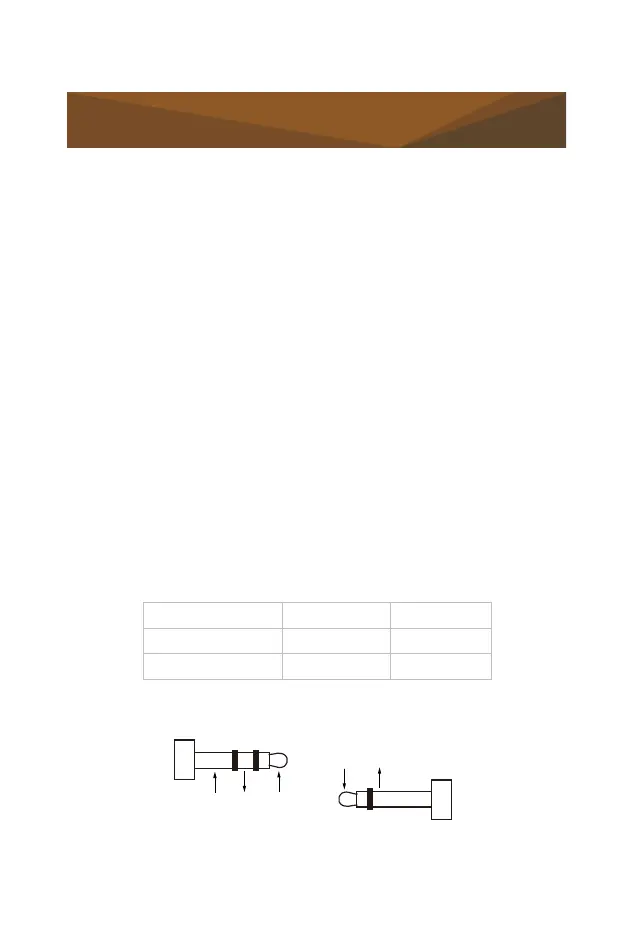
IR Cable IR Emitter IR Receiver
Suggested Angle 0° 0°
Distance (Max) 30cm 8m
When work with the third-party device, ensure it follows the pin
definition below.


 To Next Page