9
Chapter 3: Getting to Know the Wireless-G Access Point
Antennas and Positions
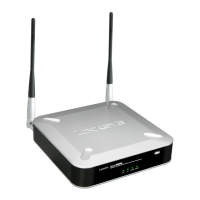
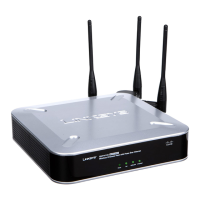
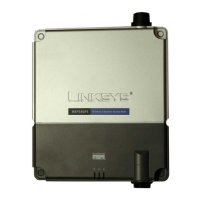
Wireless-G Access Point with Power Over Ethernet and Rangebooster
Antennas and Positions
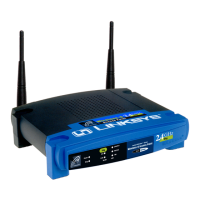
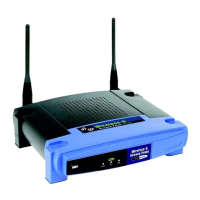
The Access Point’s antennas are located on the back of the device. The Access Point can be placed on a desktop
or wall-mounted. When placed on a desktop, the Access Point can be stacked with other Linksys Business Series
products.
Antenna The Access Point has two detachable 2dBi omni-directional antennas. Adjust the two antennas
so that they form a 90 degree angle for best MIMO range performance.
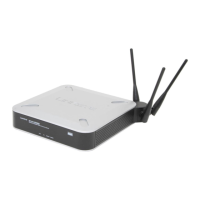
Figure 3-3: Desktop Placement and Antenna Setup




 To Next Page

