1. MOVIE
- Press LEFT/RIGHT navigation button to select Movie in the main menu and press OK
button to enter it.
- Use navigation buttons to select desired folder or file and press OK to start playback.
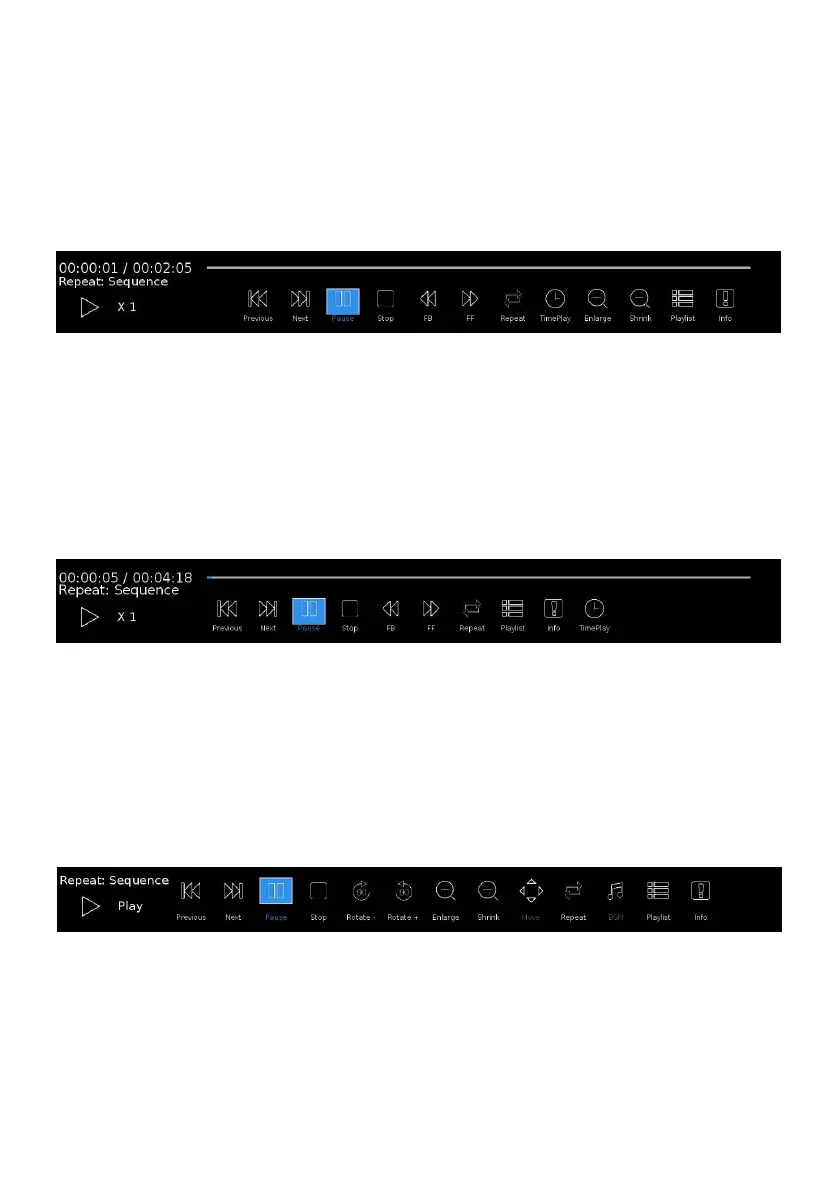
- Press DISPLAY button to dismiss/recall the tool bar. Use navigation buttons to select
desired option and press OK to confirm it.
- Press EXIT button to return.
2. MUSIC
- Press LEFT/RIGHT navigation button to select Music in the main menu and press OK
button to enter it.
- Use navigation buttons to select desired folder or file and press OK to start playback.
- Press DISPLAY button to dismiss/recall the tool bar. Use navigation buttons to select
desired option and press OK to confirm it.
- Press EXIT button to return.
3. PHOTO
- Press LEFT/RIGHT navigation button to select Photo in the main menu and press OK
button to enter it.
- Use navigation buttons to select desired folder or file and press OK to start playback.
- Press DISPLAY button to dismiss/recall the tool bar. Use navigation buttons to select
desired option and press OK to confirm it.
- Press EXIT button to return.



 To Next Page