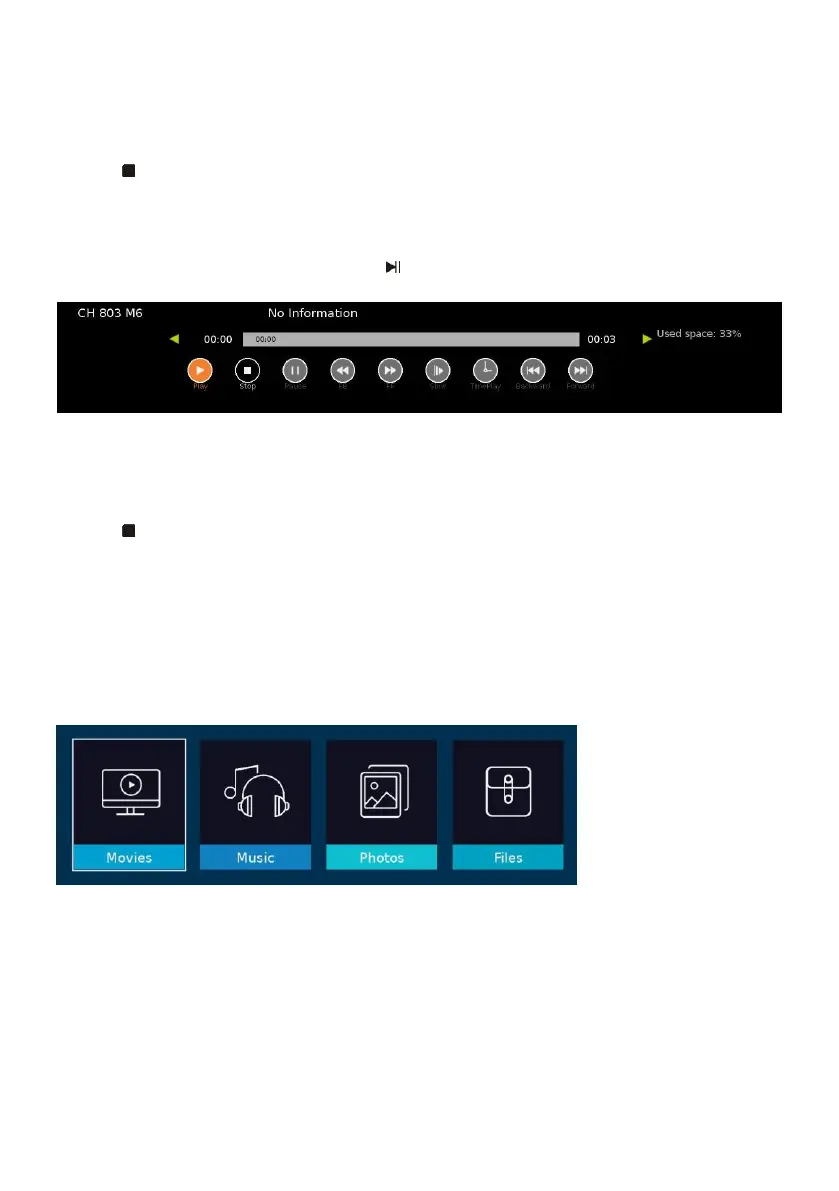
- Press LEFT or RIGHT navigation button to select desired option. Press OK button to
confirm selection.
- If the tool bar disappeared, press EXIT button on remote control to display it again.
- Press button to stop recording.
TIMESHIFT (FOR DTV MODE ONLY)
- Insert your USB memory device into USB slot first.
- When watching digital programs, press button to enable TIMESHIFT function.
- Press LEFT or RIGHT navigation button to select desired option. Press OK button to
confirm selection.
- If the tool bar disappeared, press EXIT button on remote control to display it again.
- Press button to stop timeshift.
MEDIA PLAYBACK
- Insert a USB memory device into USB slot before following operations.
- Press MENU button on Remote Control to display the OSD menu.
- Use navigation buttons to select “USB Media” and press OK button to enter it.
- Press UP/DOWN/LEFT/RIGHT navigation button to move the cursor.
- Press EXIT button to return.



 To Next Page