DTV MODE
- Press SOURCE button on the unit or remote control to select DTV input source.
1. PICTURE
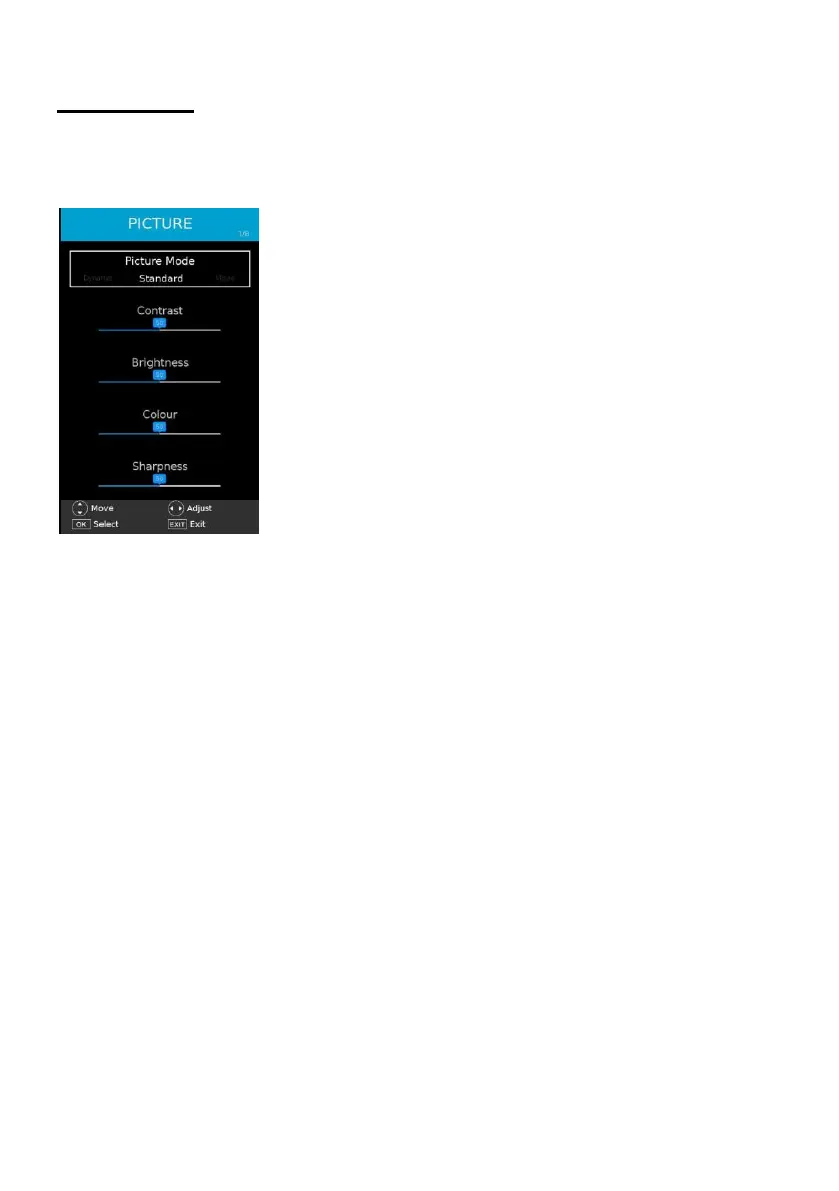
1.1 Picture Mode
- Press LEFT/RIGHT navigation button to select an option.
Available options: Standard, Movie, Personal, Dynamic.
Contrast / Brightness / Saturation / Sharpness: adjustable value: 0-100.
NOTE: When the value of Contrast / Brightness / Colour / Sharpness is changed, Picture
Mode will turn to “Personal” automatically.
1.2 Colour Temp
This item is used to adjust the optimum color temperature for suitable viewing.
Available options: Normal, Warm, Cold.
1.3 Aspect Ratio
This item is used to adjust the video size.
Available options: Auto, 4:3, 16:9, Zoom1, Zoom2.
NOTE: The available video size may be different for different input source.
1.4 Expert Settings
This item is used to turn on/off Noise Reduction function.



 To Next Page